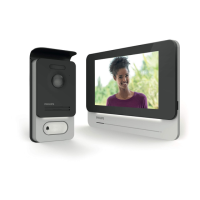
F21
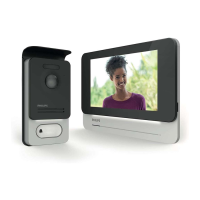
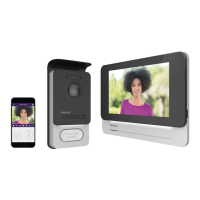
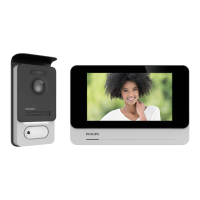
WelcomeEye Connect 2 / Touch / V4
Enables you to manage the camera settings: name,
password, WIFI network, Channel number and alarm.
Activate/deactivate the sound.
Take a video.
Take a photo.
This icon only appears when you have installed an addi-
tional camera or an additional panel. You can choose to
display the video stream from the additional camera
or the intercom panel.
Full-screen mode
Open the electric strike plate or the gate
Press and hold to speak to the visitor.
1
2
3
4
5
1. Used to rename your videophone.
Warning: used to modify and used to validate.
2. Used to change the password (stream and opening command)


 To Next Page
 Loading...