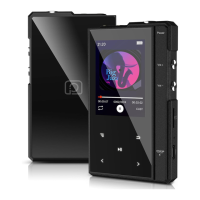
♪ Main Interface
There are 8 parts on the main interface: Music, Folder, E-Book, FM
Radio, Bluetooth, Recorder, Setting, Tool. Click “ ” “ ” to browse,
click“ ”to enter.
♪ Music
All Songs: short click “ ” to select music file and click “ ” to
Play/Pause.
Artists: Enter to select your favorite Artist.
Albums: Enter to select your favorite Album.
Genres: Enter to select your favorite Genre.
Folder: Display local files or micro SD card files
♪ Folder
Local Folder: Access the system storage
Card Folder: Access micro SD card storage
♪ E-Book (only TXT format supported)
If the device insert the TF card, there will have “Local folder” and
“Card folder ” listed on the ebook menu.
Click “ ” to enter folder to choose the book you want to read, then
Click “ ” to start reading.
On the reading mode:
Click “ ” will start automatic page-turning mode.


 To Next Page