IN OUT
ON
OFF
IN OUT
ON
OFF
IN OUT
ON
OFF
IN OUT
ON
OFF
4. USAGE AND OPERATION
24
M
SET
℃℃
M
SET
℃℃
Flashing
Press“ ”
SET
M
SET
℃℃
M
SET
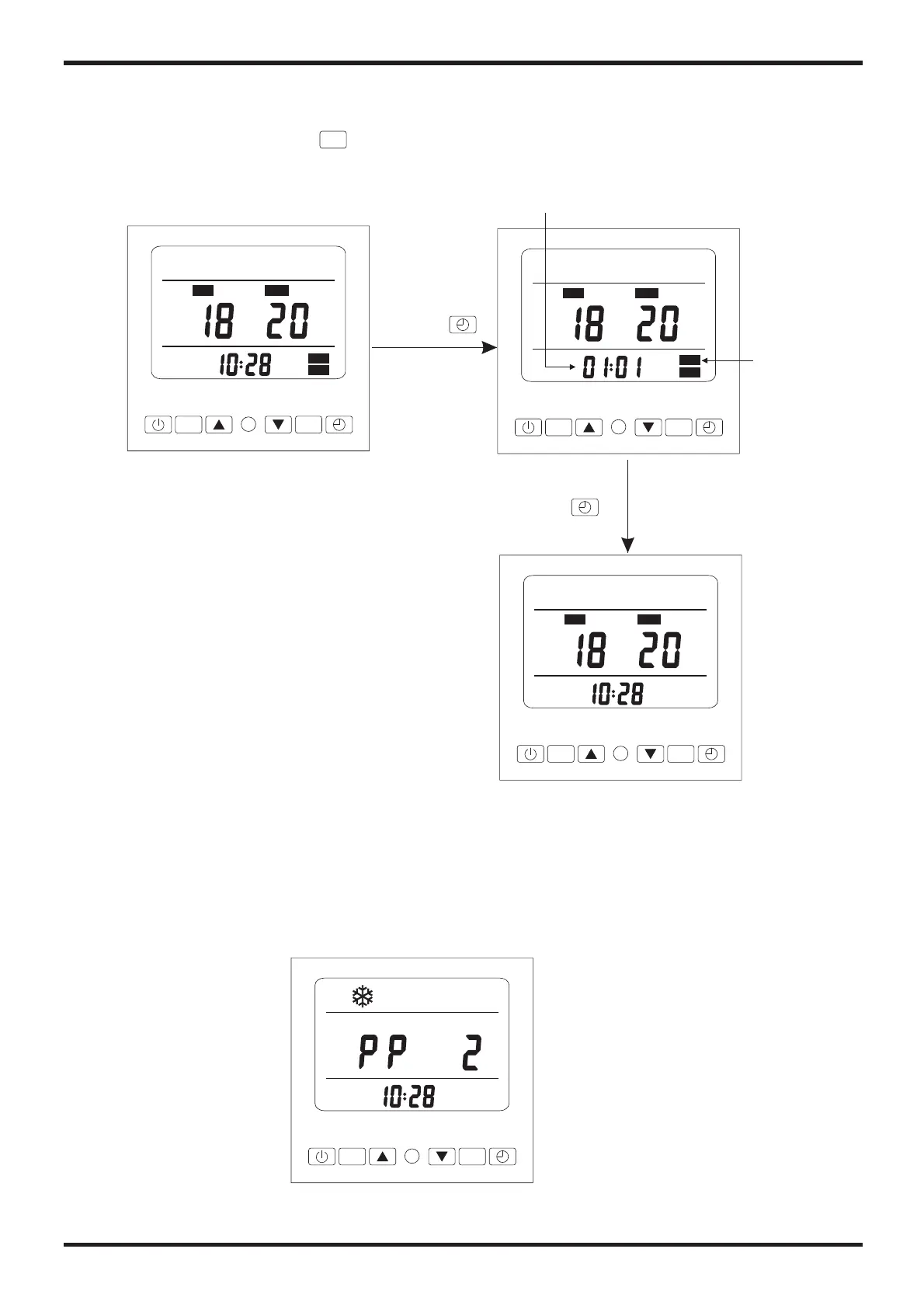
2.6 The setting of cancelling the timer
If there is no need to set timer on or timer off, the timer setting can be cancelled.
At unit on or off state, press“ ” to cancel the timer.
Flashing
Press“ ”
2.7 Malfunction display
There will be malfunction code showing on the controller screen when relative
malfunction occurs.
You can refer to the malfunction table to find out the failure cause and solution.
For example:



 To Next Page