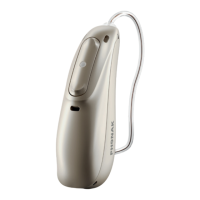
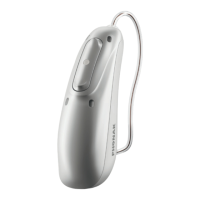
45
1.
Gently rotate the CeruShield
Disk in the direction indicated by
the arrows until a free opening
appears under the bin icon.
21.1.2 Exchanging the earwax protection with
CeruShield™ Disk
2.
To remove a used earwax
protector carefully insert the
speaker into the free opening
(under bin icon) until it clicks.
The used earwax protector will
remain in the disk when you lift
the speaker away.


 To Next Page
 Loading...