10
Please refer to chapter 2 for how to set up the Charge
and Care.
1.
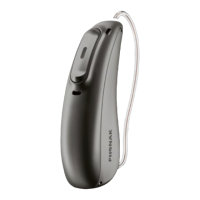
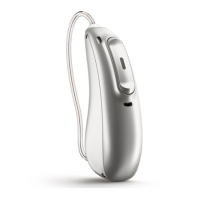
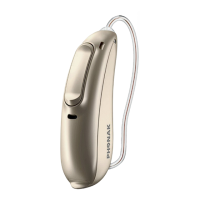
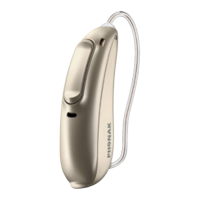
Insert the hearing aids into the charging slots.
Make sure the left and right hearing aid markings match
the left (blue), right (red) indicators next to the charging
slots. The hearing aids will automatically be switched o
when inserted into the Charge and Care.



 To Next Page