32
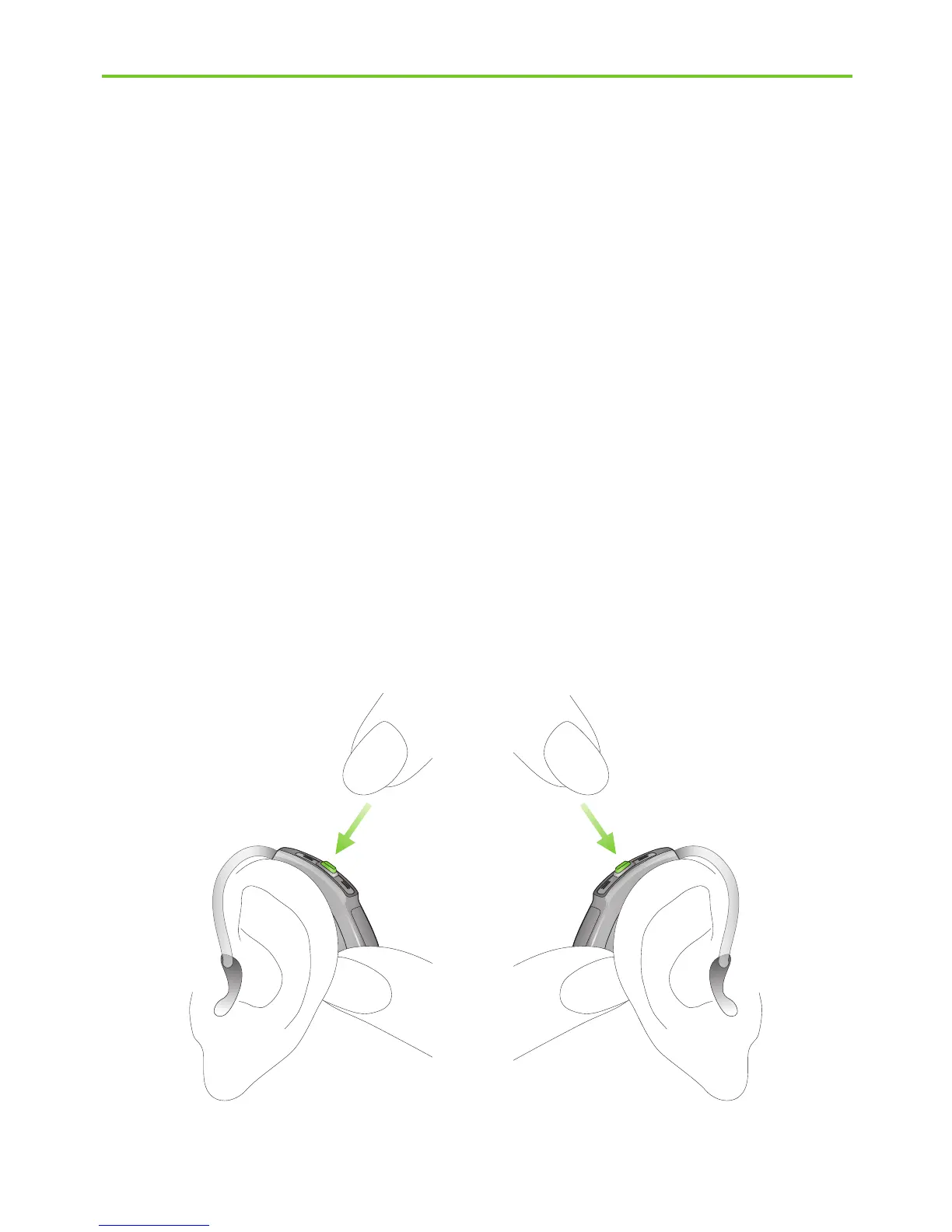
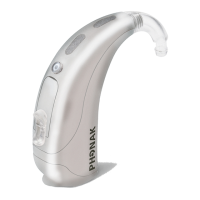
Fig. 6b
Decrease volume Increase volume
Left hearing aid Right hearing aid
Step 6.2 Adjusting the volume control behind the ear
with a M13 or RIC model
Your hearing care professional can configure your
hearing aid push button as either a volume control or a
program selector.
To increase the volume, press the button on your right
hearing aid. To decrease the volume, press the button on
your left hearing aid. Use your thumb to lightly support
the hearing aid (Fig. 6b).
4. Using the hearing aid



 To Next Page