34
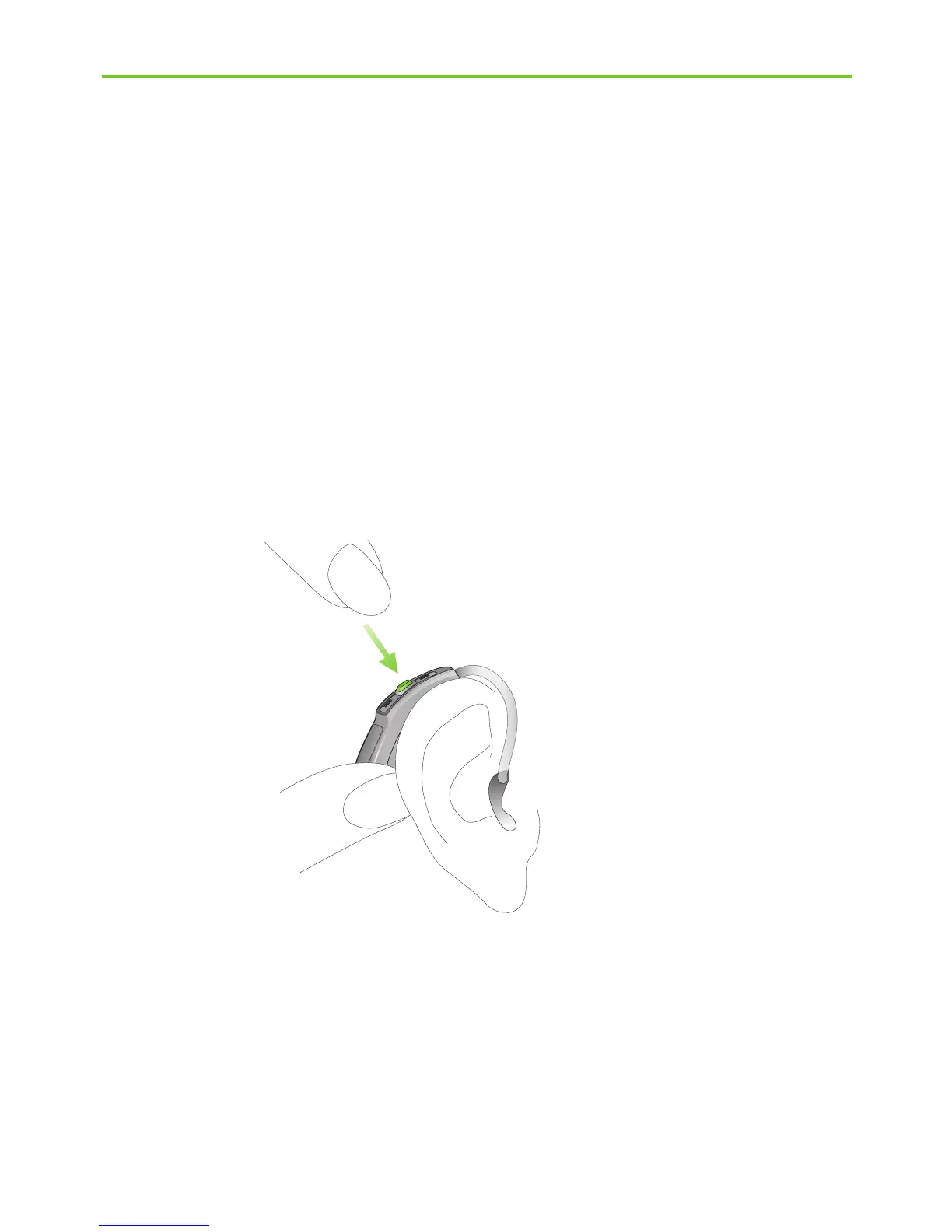
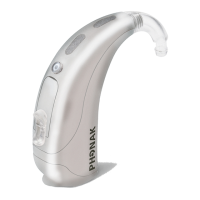
Fig. 7b
Step 7.2 Selecting the hearing program behind the ear
with a M13 or RIC model
Your hearing care professional can configure your hearing
aid (push) button as either a volume control or a program
selector.
In order to select or change a hearing program, press the
program button displayed (Fig. 7b).
If you press it again, you change to the next program.
A signal indicates the change.
A signal tone can only be easily heard if you have turned
on the hearing aid and you are wearing it correctly
behind the ear.
4. Using the hearing aid



 To Next Page