61
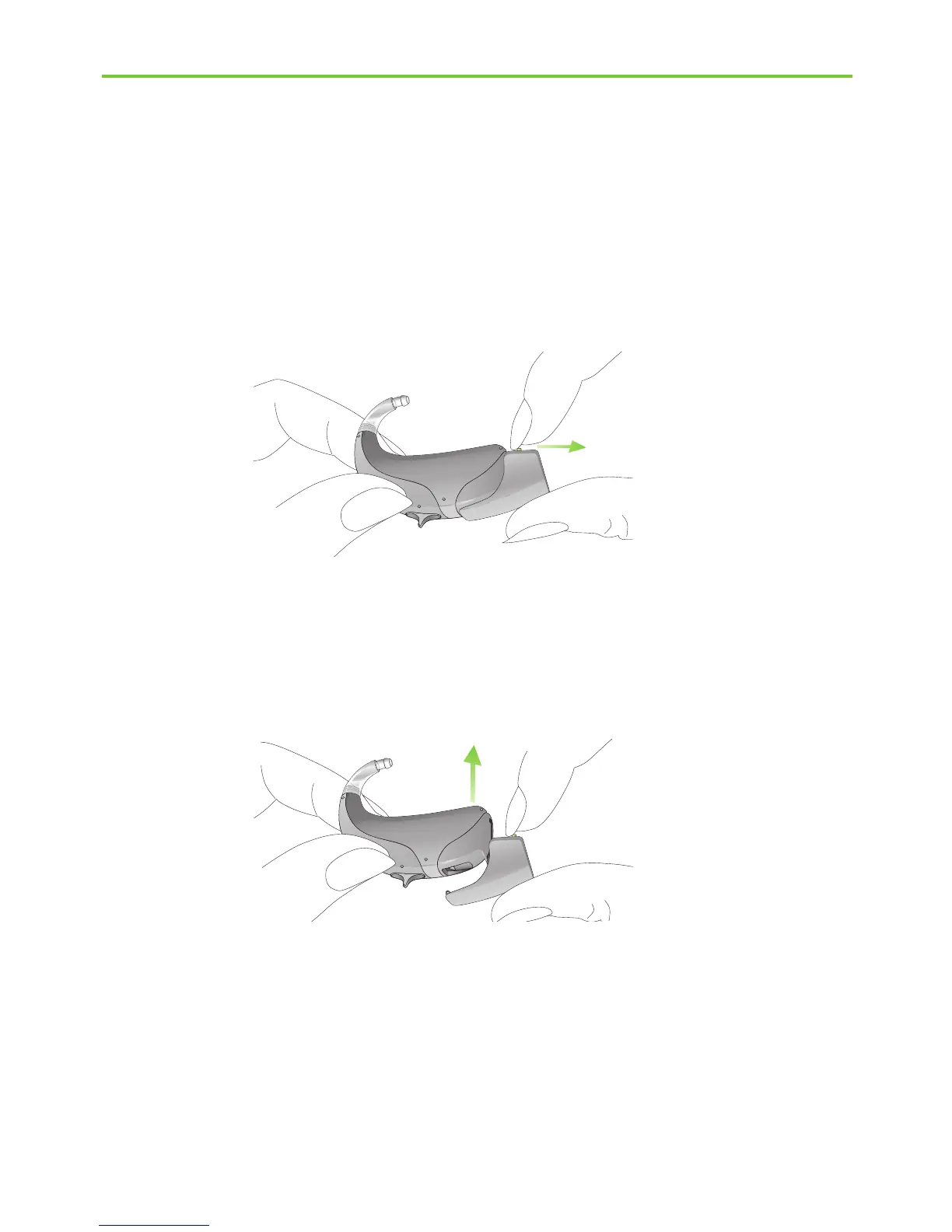
Fig. 7.4
Fig. 7.5
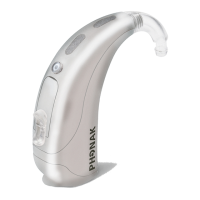
Step 3. Removing the audio shoe from the hearing aid
Take the hearing aid between your thumb and forefinger.
Pull the locking system on the audio shoe back (Fig. 7.4).
At the same time pull the hearing aid upwards with your
other hand (Fig. 7.5). The audio shoe is now removed from
the hearing aid.
I To have Roger/FM automatically turn on when an
input signal is detected, Phonak recommends to
leave the universal receiver attached when not in
use.



 To Next Page