EasyManua.ls Logo

Phonak TV Connector - User Manual

Phonak TV Connector
21 pages
Print Icon
To Next Page IconTo Next Page
Loading...
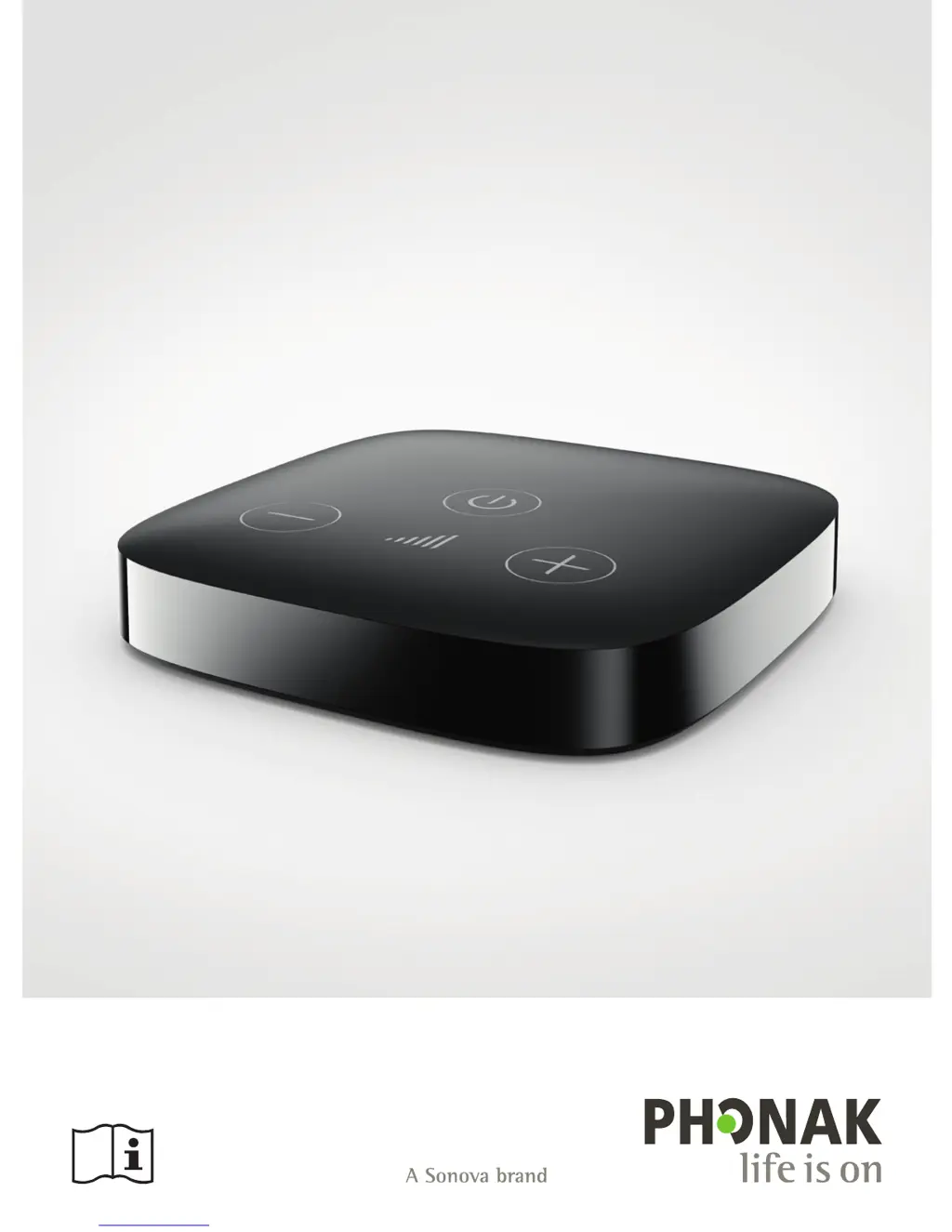
TV Connector
User Guide

Other manuals for Phonak TV Connector

Questions and Answers

  • P
    Pamela AndrewsJul 27, 2025
    What to do if there is no sound from Phonak Adapter?
    • Z
      Zachary GreenJul 27, 2025
      If you don't hear any sound from your TV, even though it's on and connected to the Phonak Adapter, it might be due to a lack of audio input at the TV Connector. Check if the optical cable (Toslink) or the 3.5mm (analog) cable is properly inserted into both the TV Connector and the audio source. Also, ensure that the audio cable is correctly inserted into the audio output of your audio source (e.g., TV).
  • L
    Lisa ParkerAug 5, 2025
    Why can't I hear the TV when the Phonak Adapter indicator light is solid green?
    • J
      Judith LeeAug 5, 2025
      If the indicator light on your Phonak Adapter is solid green but you can't hear the TV, it could be due to a couple of reasons. First, the Adapter might not be connected to your hearing aids; in this case, you should connect your hearing aids. Second, you may have selected the headset output on your TV. To resolve this, check the audio settings on your TV and enable the loudspeakers to be used in parallel.
  • A
    Alan TylerAug 17, 2025
    How to adjust streaming volume on Phonak Adapter?
    • W
      willisamyAug 17, 2025
      If the volume during streaming with your Phonak Adapter is uncomfortable (either too low or too high), and your TV Connector is connected to the optical (Toslink) socket of your TV, adjust the volume using the volume buttons on your hearing aids or the ambient balance functionality. Also, remember that different TV audio sources can have different output volumes.

Summary

Welcome

Getting to Know Your TV Connector

Device Description

Details the components and features of the TV Connector, including buttons and indicator lights.

Getting Started

Setting Up Power Supply

Instructions on connecting the TV Connector to a power source via mains or USB.

Supported Audio Connections

Explains optical (Toslink) and analog (3.5mm jack) audio inputs for connecting the device.

Connecting to Audio Device

Guides on connecting the TV Connector to a TV or audio source using appropriate cables.

Optional Audio Connection

Details using the analog audio socket (3.5mm jack) for connecting to an audio device.

Connecting to Hearing Aids

Provides steps for pairing the TV Connector with compatible Phonak hearing aids.

Daily Use of the TV Connector

Adjusting Audio Volume

Instructions on how to change the audio volume using the device's volume buttons.

Phone Call Integration

Explains how the TV Connector handles incoming phone calls while streaming audio.

Switching Off Audio Transmission

Describes methods to stop audio streaming from the TV Connector.

Understanding Indicator Light

Explains the meaning of different LED light statuses for operational feedback.

Troubleshooting

Testing Audio Transmission

Provides steps to check and verify audio transmission from the source to the hearing aids.

Frequently Asked Questions

Offers answers to common issues and queries regarding the TV Connector's functionality.

Service and Warranty

Local Warranty Information

Directs users to their hearing care professional for local warranty terms.

International Warranty

Details the one-year limited international warranty covering manufacturing defects.

Warranty Limitations

Lists conditions and damages not covered by the product warranty.

Compliance Information

Information and Symbols

Operating Conditions

Details temperature and humidity parameters for device operation, transport, and storage.

Important Safety Information

Hazard Warnings

Highlights critical safety risks such as choking hazards and magnetic field interference.

Phonak TV Connector Specifications

General IconGeneral
BrandPhonak
ModelTV Connector
CategoryTV Tuner
LanguageEnglish

Videos

How to set up your Phonak TV Connector