IT
Note per l’installazione
L’interfaccia può essere collegata escludendo il CD-CHANGER originale.
Istruzioni per l’uso
Per avviare l’unità premere il tasto CD-CHANGER dell’autoradio.
Per l’ascolto dei brani utilizzare i supporti a disposizione nel modo
seguente:
• Inserendo SD-CARD si esclude l’ascolto da USB e AUX-IN
• Inserendo USB si esclude l’ascolto da AUX-IN
• Per l’ascolto da AUX-IN rimuovere i supporti SD-CARD e USB.
COME CARICARE I FILES SU USB/SD-CARD
• Ogni cartella può contenere al massimo 99 brani
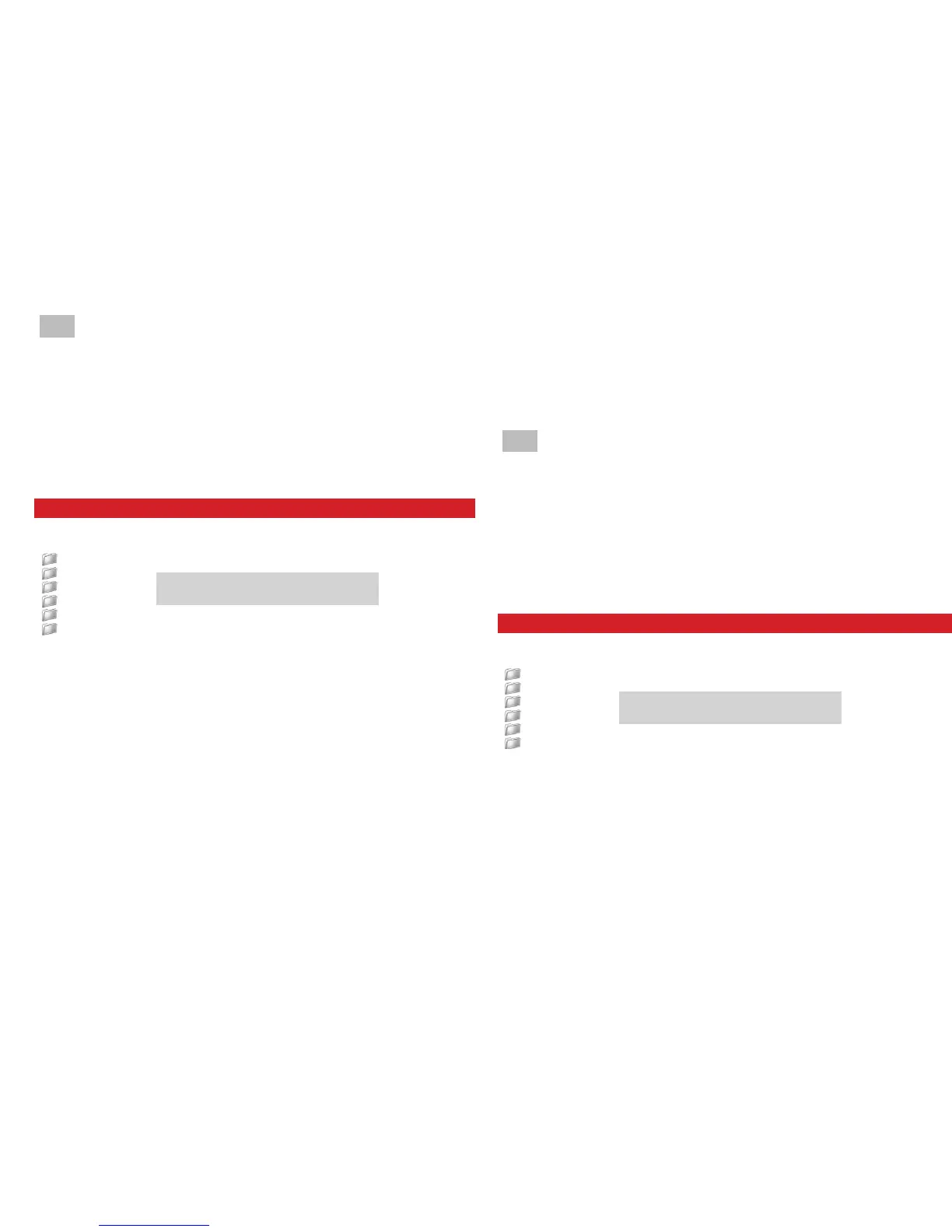
• Denominare le cartelle nel modo seguente:
CD01
CD02
CD03
CD04
CD05
CD06
• Premendo i tasti CD1 - CD2 - CD3 - CD4 - CD5 - CD6
dell’autoradio si accede alla cartella selezionata.
• Il salto traccia si effettua mediante i tasti FF/REW utilizzando
i comandi al volante oppure i comandi dell’autoradio.
• Se il numero delle cartelle è superiore a 6, quelle eccedenti
non verranno riprodotte.
Attenzione
• Il tempo di attesa per la lettura e la riproduzione varia secondo
il n. di files presenti sulla cartella
• Inviare i comandi troppo rapidamente può mandare in blocco
l’autoradio.
Per sbloccare effettuare il RESET.
• Inserire SD-CARD o USB solo ad autoradio spenta
Come utilizzare lettori MP3 o altri dispositivi
• Tutte le funzioni tramite i comandi del lettore.
RESET spegnere l’autoradio per 30 secondi.
Non tutte le autoradio permettono
la lettura di 95 brani
Caratteristiche Tecniche
• ConnessionesuingressoCD-CHANGER
• SupportoUSBeSD-Card(no8Gb)
• IngressoconJackStereo3.5mmperlettoriMP3
• Gestionetramitecomandialvolanteoautoradio
• FunzionePlaylist
• Memoriaultimaposizione.
GB
Important notes regarding Installation
Interface can be connected by excluding the original CD-Changer.
Use-Instructions
To start the unit, press the key CD-CHANGER situated on the car-radio.
To listen to music, use the various supports as follows:
• Introduction of SD-CARD, will exclude USB and AUX-IN modes.
• Introduction of USB, will exclude the AUX-IN mode.
• For AUX-IN-listening, remove the supports SD-CARD and USB.
HOW TO REGISTER THE FILES ON USB/SD-CARD
• Each folder can contain a maximum of 95 Tracks.
• Name the various Folders as follows:
CD01
CD02
CD03
CD04
CD05
CD06
• By pressing the radio-keys CD1 - CD2 - CD3 - CD4 - CD5
CD6, you will enter the selected Folder.
• To skip a Track, use the keys FF/REW of the
Steering-Wheel-comands or of the car-radio.
• In the presence of more than 6 Folders, the exceeding number
of Folders will not be reproduced.
Attention
• The reading and reproduction-time depends on the number of
Tracks contained in the Folder.
• Selections should always be effected slowly, to avoid that
Not all radio-models can read a
total of 95 Tracks.


 To Next Page
 Loading...