14
EN
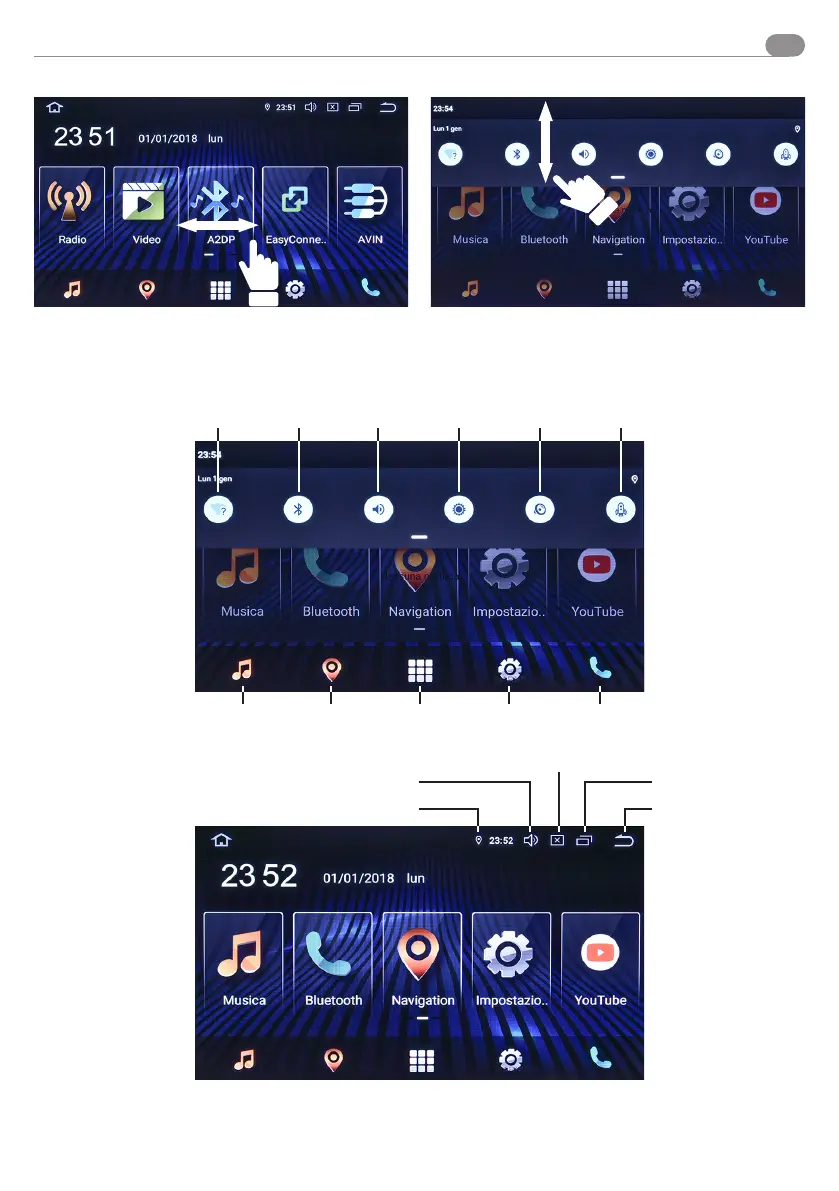
The VM052 starts automatically when the car is turned on.
Slide the menu panels to the right/left.
WI-FI
GPS position
Volume
Lighting
Displays open apps
Back to the
previous menu
Bluetooth
Navigation APP Settings Bluetooth
Volume Lighting Audio setting Speeds up
Music
Besides the right/left sliding panels, you will nd additional
features in the drop-down menu by dragging from top to
bottom.
Quick guide



 To Next Page