BIP-7000
45
Start
Ķ
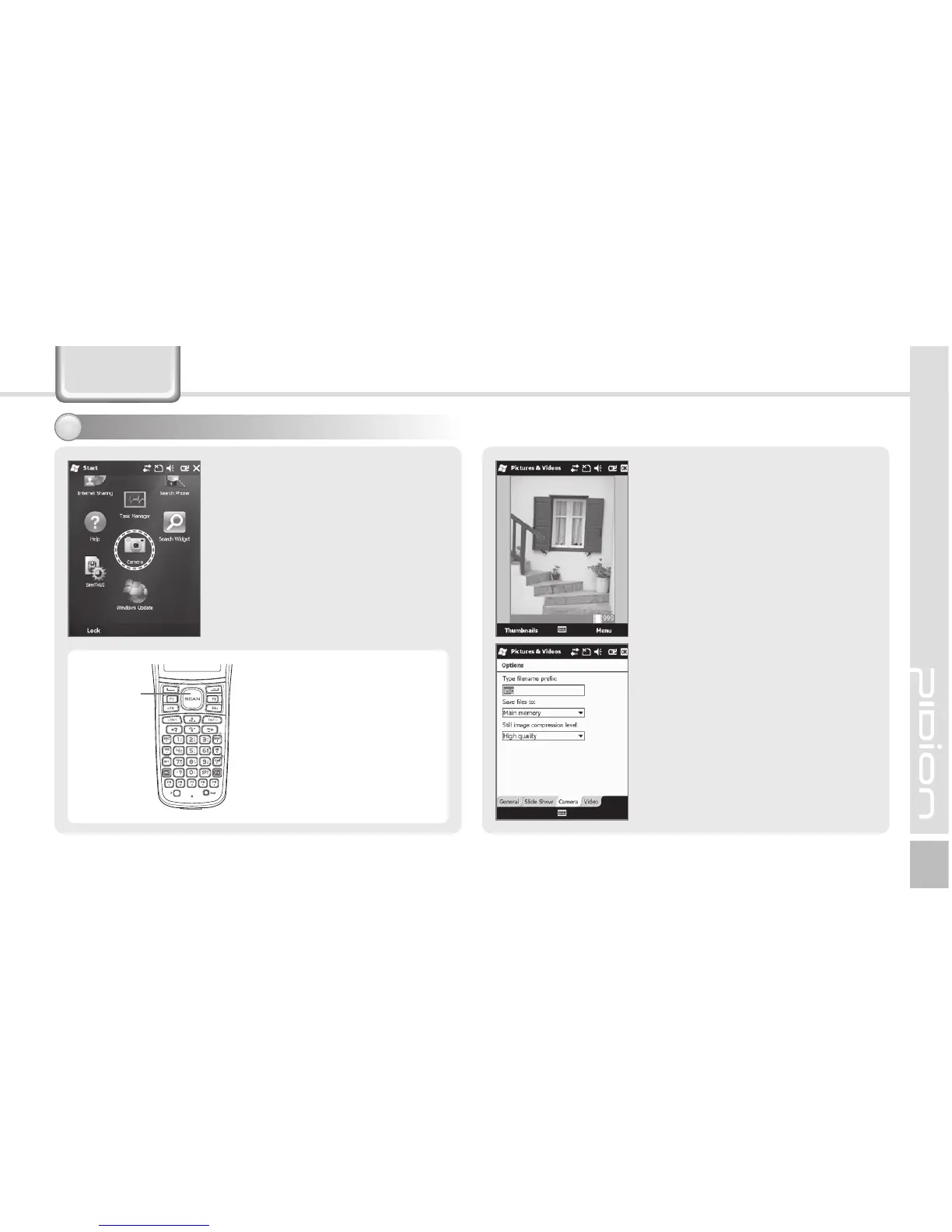
Camera
Camera
If you press the [OK] button,
the terminal takes the Still/
Video and automatically saves
the Still/Video in the album.
Video : Switches into video
recording.
Mode : You can select Normal/
Burst/Timer.
Resolution : 480×640/600×800/
768×1024/1536×2048.
Flash : Select/deselect flash
function.
Full Screen : The display is
extended to the entire screen.
Options... : You can select
Name/Folder/Size of files.
5BLJOHQ I P U P T
If you press the [Barcode]
button in the center of
the terminal as Camera
is enabled, the terminal
takes an Still/Video.
Scanner
Button



 To Next Page