52
BIP-7000 Manual
Settings
Start
Ķ
Settings
Ķ
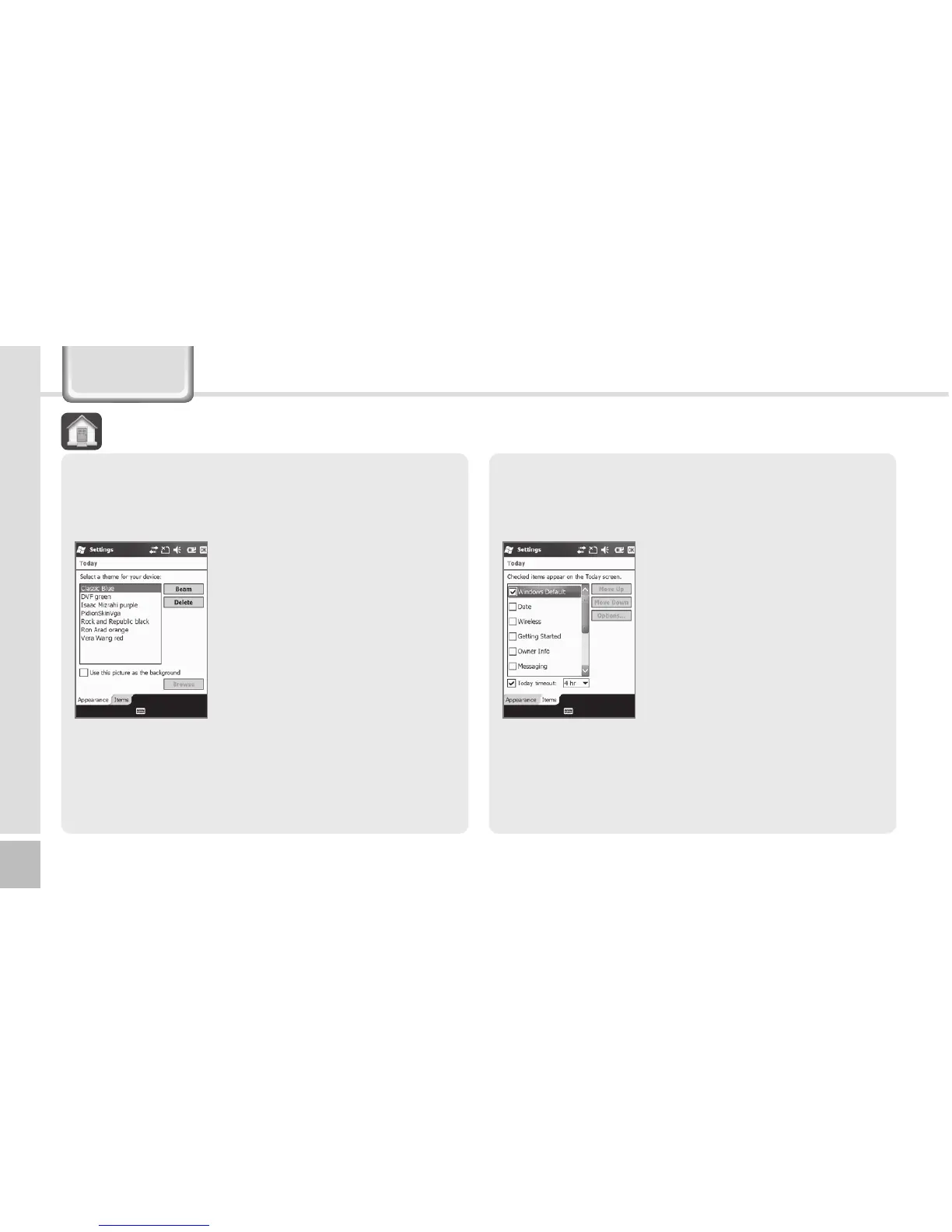
Today
1 Select [Use this picture as
the background], and select
the [Browse] button.
2 Select the [Folder] in which
the desired photo is stored.
3 Select the picture file [Type].
4 Select the picture file and
press the [OK] button.
Appearance
You can select an image in the terminal as the
background of Today screen.
5P EBZ
Items
You can select items to be displayed on the Today
screen.
Start
Ķ
Settings
Ķ
Today
Ķ
Items
The selected items on the list
are displayed on Today screen.
You can change the order of
display of the items with the
[Move Up]/[Move Down]
button.



 To Next Page