BIP-7000
57
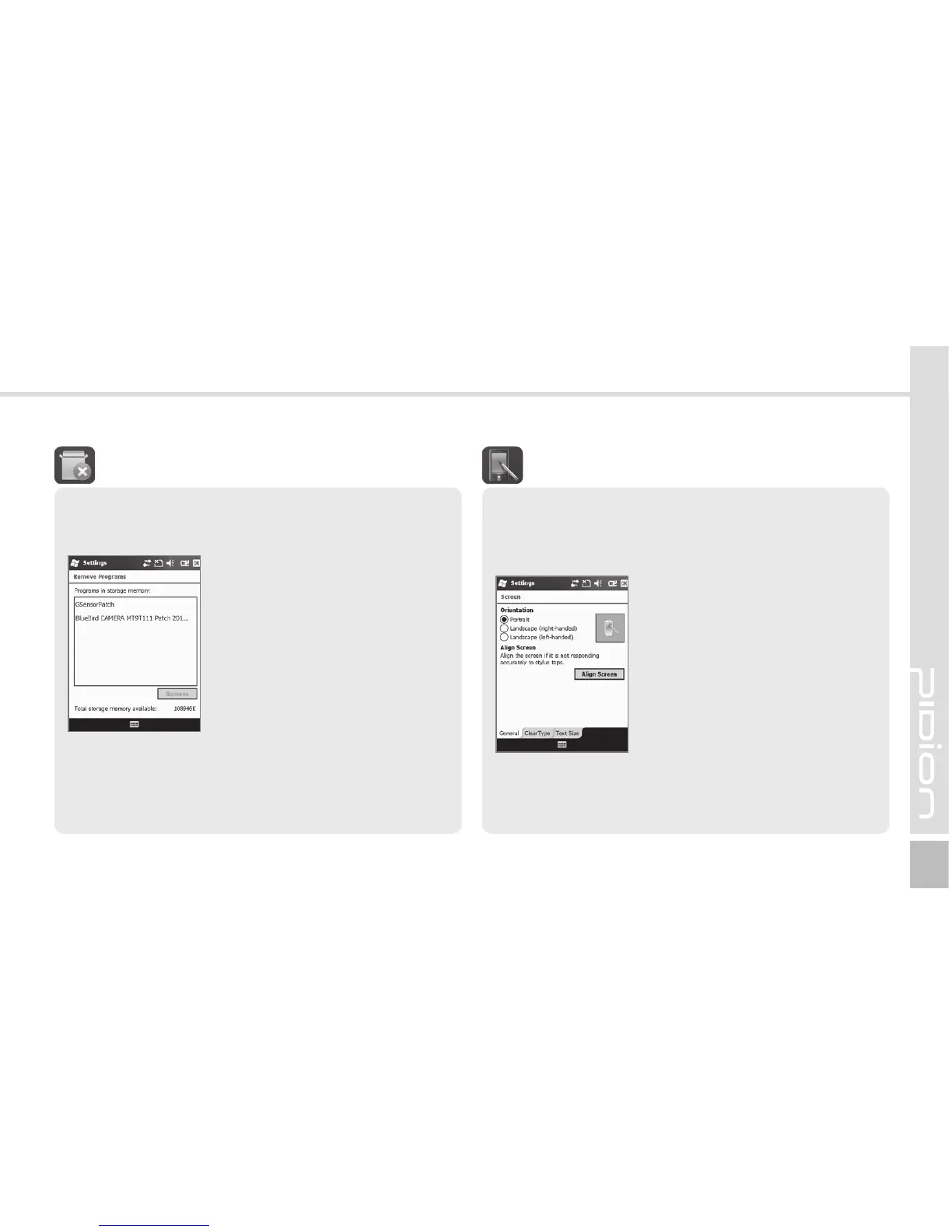
The list of programs installed personally or by the
company, except the basic programs, is displayed.
Start
Ķ
Settings
Ķ
System
Ķ
Remove Programs
Select the program you wish to
uninstall, and then, select the
[Remove] button.
3FNPWF1SPHSBNT
General
Switch the screen to Portrait / Landscape
(righthanded) / Landscape (left-handed).
Tex t Si ze
The text size displayed on the screen can be set by
5 steps.
Start
Ķ
Settings
Ķ
System
Ķ
Screen
If you select the [Align Screen]
button, you can reset the stylus
pen points.
See p.19 for details.
4DSFFO



 To Next Page