BIP-7000
7
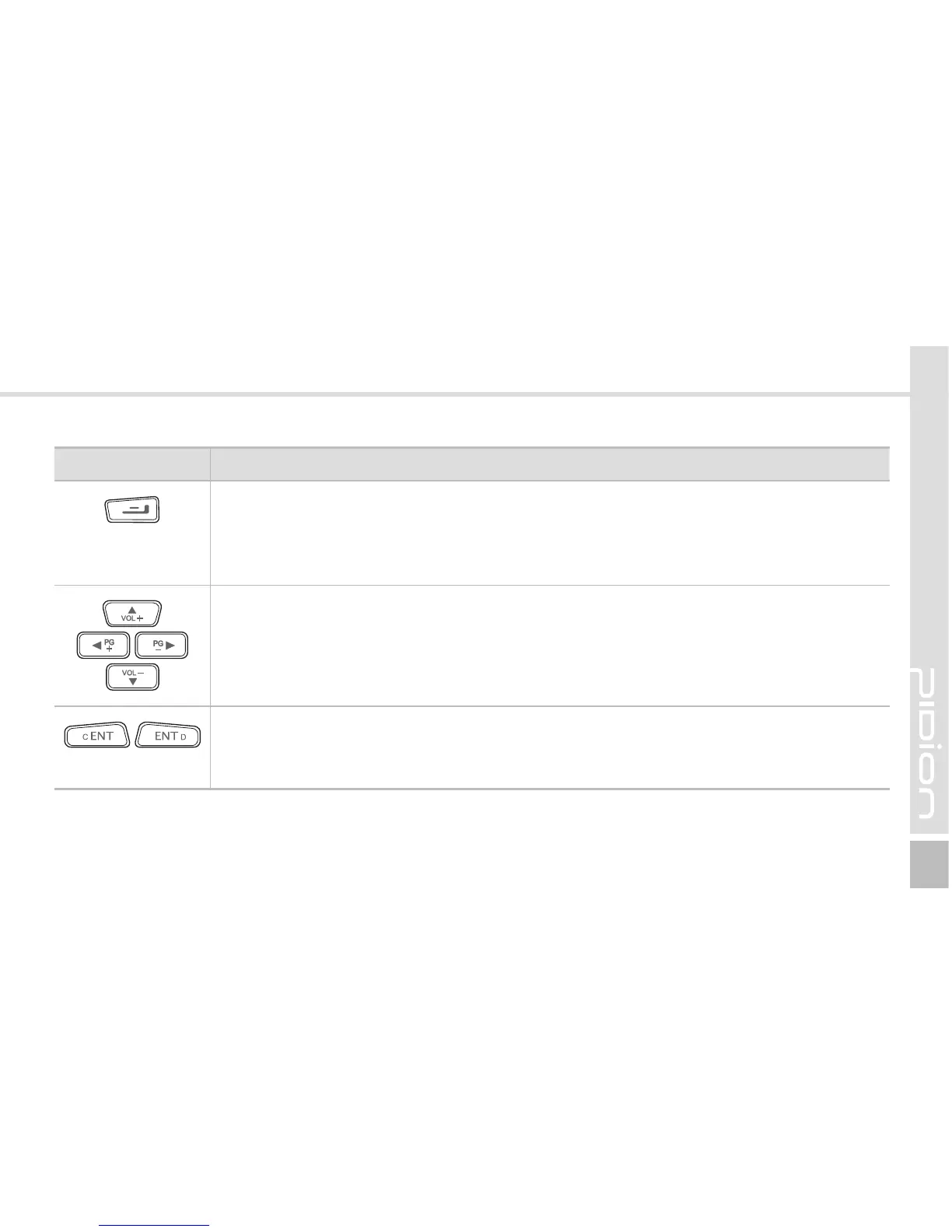
Button Description
End button
Ends the phone program. You can finish a call by pressing this button during the call.
You can also exit an application program.
Press and hold (at least 3 sec) this button to switch off the phone function.
Arrow buttons
Used to move left/right/up/down.
Enter button
Changes lines in the text input mode.
This button works like the Enter key in computer.



 To Next Page