Pidion BM170 Configuration 2
Route Manager Shortcut
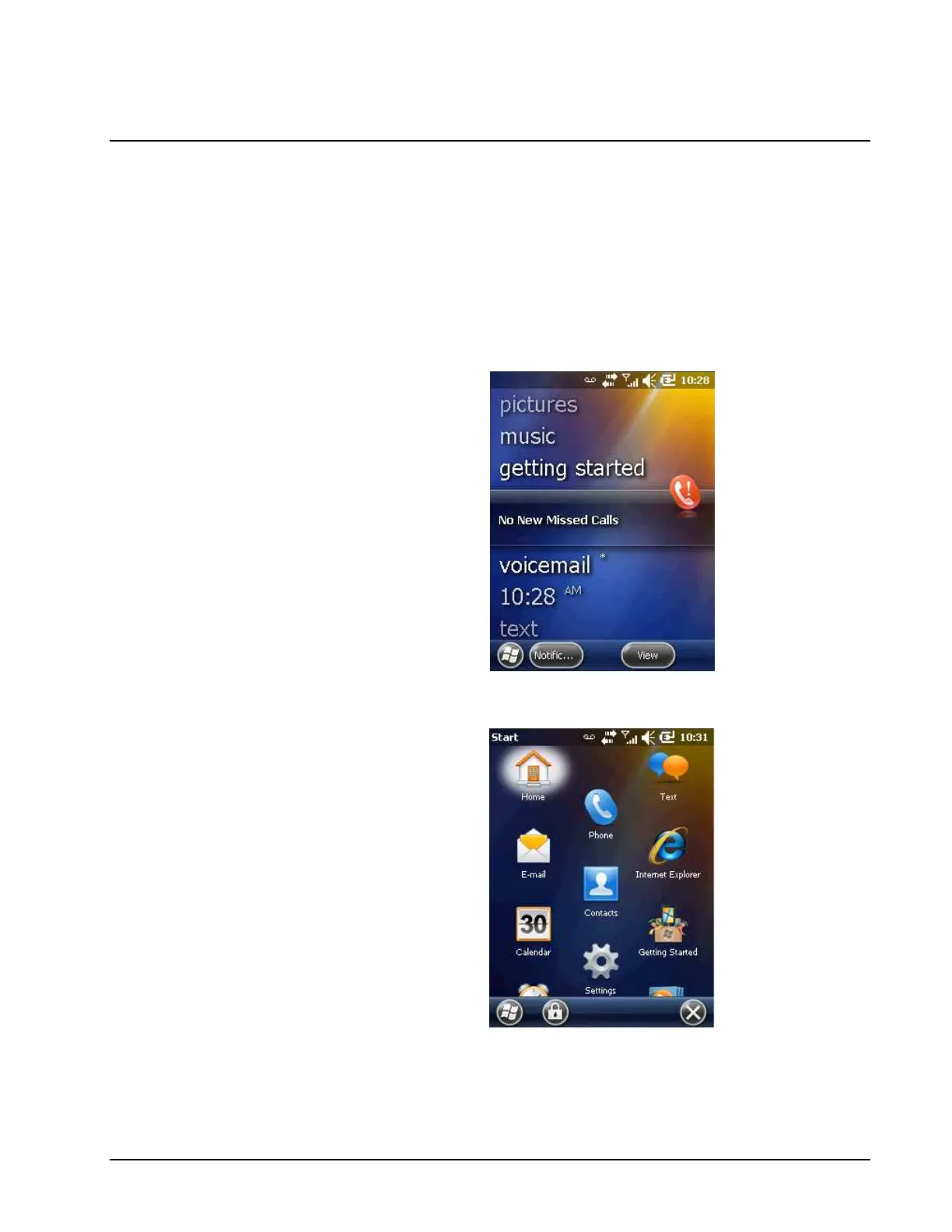
On Windows Mobile 6.5 Pro handheld devices they no longer have a Start
“Menu” like previous versions, but instead have a Start “Screen” with all the
programs listed in it.
After you launch Route Manager the first time (from the RTMGRCE.exe
found on the card itself) it will create a Shortcut at the bottom of this new
Start Screen.
To launch Route Manager, Select the Windows/Start button in the lower left
corner:
This will then open the Start “Screen” with a list of all the programs installed
on the device:
Scroll down to the bottom of this screen to find the Route Manager shortcut:



 To Next Page