Pidion BM170 Configuration 4
Manual Configuration (Non Cingular/AT&T)
Follow the steps below to manually configure your Pidion BM170 handheld
for GPRS transfer.
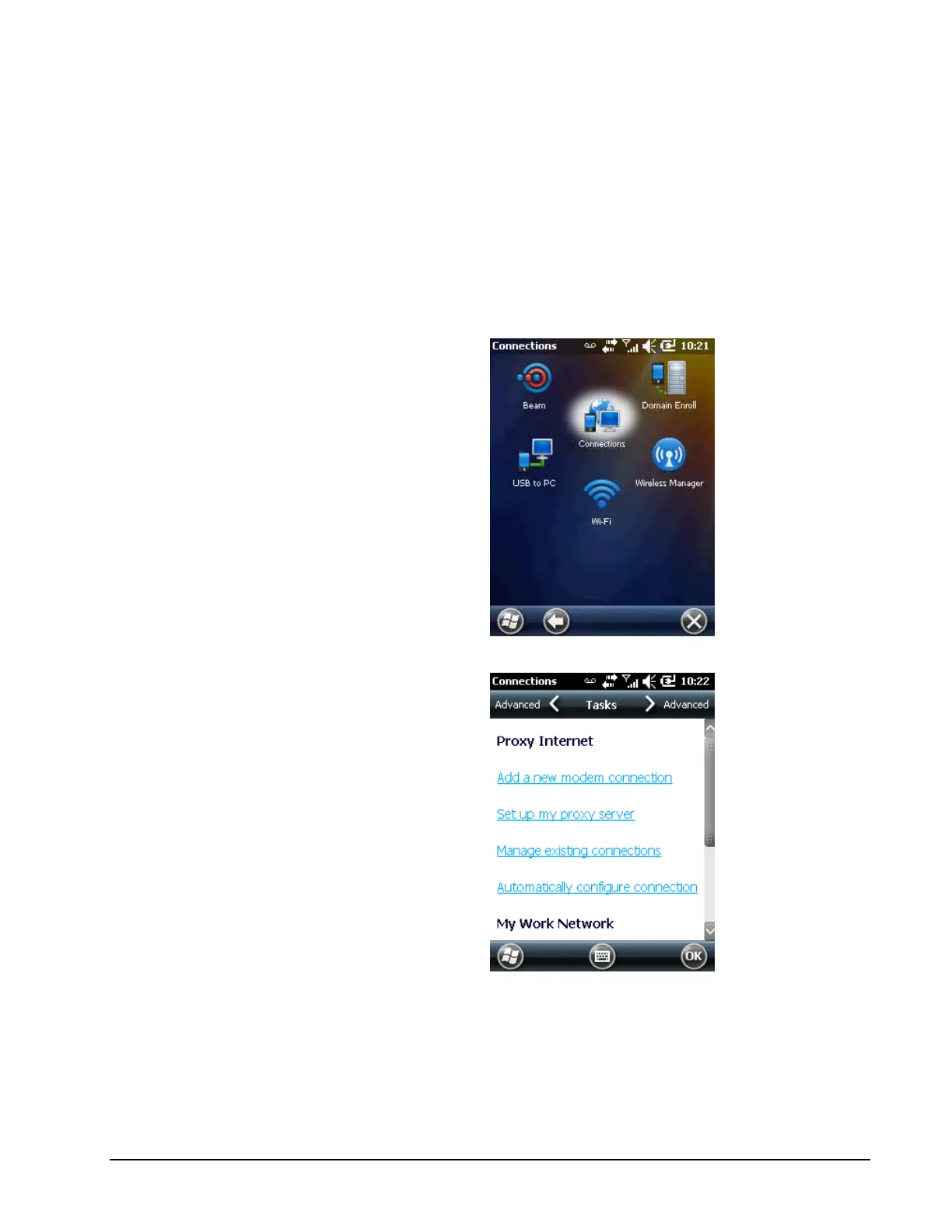
1. On the handheld, Click the Start button (Windows Logo) in the lower left
of screen. Navigate to Settings > Connections and tap on Connections.
Note: The screenshots below were taken from an older Windows
Operating system, but the screens on your handheld will look very
similar.
2. Tap Add a new modem connection.



 To Next Page