Pidion BM170 Configuration 6
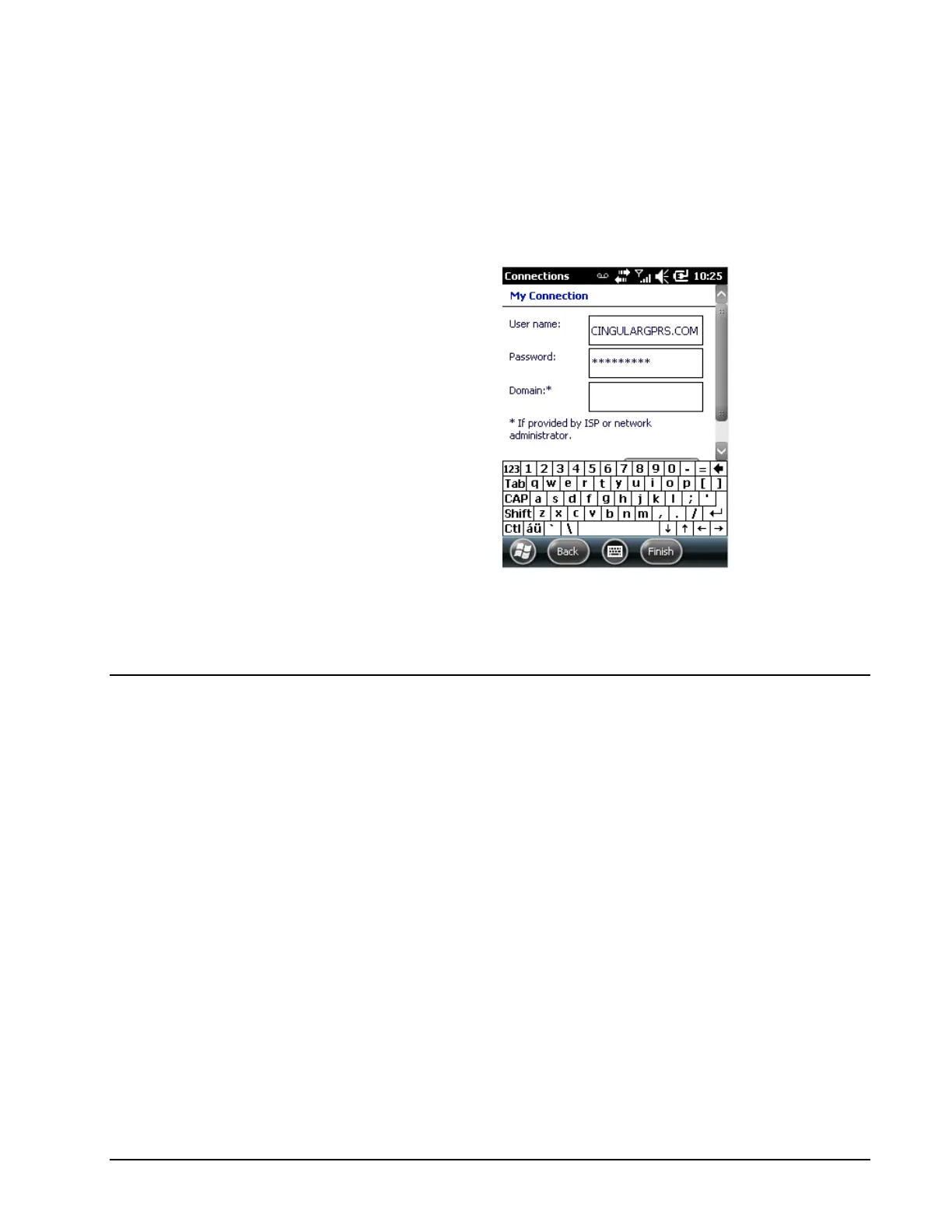
5. Enter the following information in the Username and Password fields:
• User name: This should be provided by your GPRS Plan provider
• Password: This should be provided by your GPRS Plan provider
• Domain: This should be provided by your GPRS Plan provider
Click Finish to save the connection settings.
Your handheld is now configured for wireless GPRS transfers.
6. Confirm it is ready by confirming WiFi is disabled, then launching
Internet Explorer and opening a website (such as msn.com).
GPS Logging
The Pidion BM170 handheld also has the capability of capturing GPS
Coordinates (by stop) or logging the drivers GPS coordinates throughout the
day (for review later).
The handhelds default COM Port is 8, and the Baud Rate is 57600. You can
verify these settings by going to Start > Settings > System and then choosing
the External GPS option:



 To Next Page