55
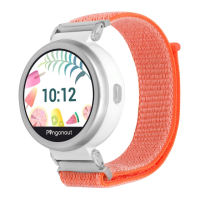
To turn on your clock, press the hardware button on the right
side. The Pingonaut start screen appears. To turn o the clock,
press the button for six seconds.
If you have an internet connection, you can also switch o your
watch via the Pingonaut app (Clocks-> Actions-> Turn o the
clock)
To call the speed dial number, please press the button for three
seconds and release it when the clock vibrates.
How to switch on and o the watch
Speed Dial


 To Next Page