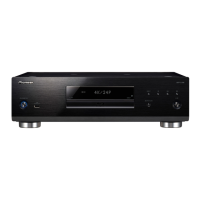
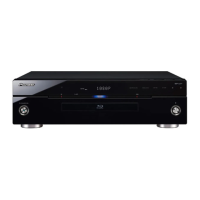
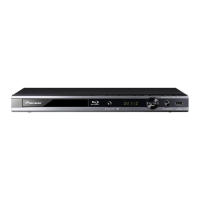
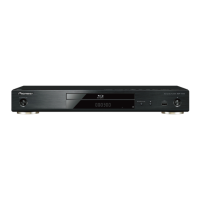
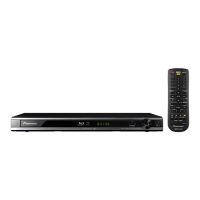
BDP-LX54
AC IN
AV INPUT
VIDEO L - AUDIO -R
BDP-LX54
AC IN
OPTICAL
DIGITAL AUDIO IN
VIDEO L - AUDIO -R
AV INPUT
Connecting to the Digital Audio Terminal or Audio Jacks
You can connect audio equipment or the TV to the DIGITAL OUT OPTICAL terminal or AUDIO OUTPUT jacks.•
For details on digital audio output formats (PCM/bitstream), refer to the digital audio output format selection •
table on page 25.
Rear panel of this Player
Audio equipment with a digital audio input terminal
Connecting to the Video Jack
You can enjoy the images through the VIDEO OUTPUT jack.
Rear panel of this Player
Video equipment with a video jack
NOTE
Connect the Blu-ray disc player to TV •
directly.
When you record the program where copyright •
is protected, the copy guard function is activated
automatically; the program can not be recorded
correctly. Also, the playback image via VCR may
deteriorate due to this function. However, this is
not a malfunction. When you watch the program
where copyright is protected, we recommend
that the Blu-ray disc player be connected to TV
directly.
STANDBY/ON
PQLS
USB
FL OFFOPEN/CLOSE
3D
5 V 0.5 A
Connections
10
STEPS
Be sure to turn off this Player and the equipment before making any connections.1
Firmly connect an optical digital cable (commercially available) or AV cable (supplied) to the optical digital 2
audio terminals or audio jacks ( and , or and ).
After connecting
Load a disc and start playback. (Page 14)•
To DIGITAL OUT
OPTICAL terminal
Optical digital cable
(commercially available)
To OPTICAL
input terminal
Amplifier
When using OPTICAL output,•
5.1 ch Digital Output is available.
7.1 ch Digital Output is not available.
NOTE:
7.1 ch Audio is available via the HDMI terminal.
TV
To AUDIO OUTPUT
jacks
To AUDIO input
jacks
(Red)
Video/audio cable
(supplied)
(White)
(White) (Red)
Red
White
RedWhite
STEPS
Be sure to turn off this Player and the equipment before making any connections.1
Firmly connect an AV cable (supplied) to the video jacks (2 and ).
AV cable (supplied)
(Yellow)
(Yellow)
TV
Projector
AV receiver
To VIDEO
input jack
After connecting
Connect audio equipment or the audio terminals of the TV. (Page 10)•
Yellow
Yellow
VCR
This Player
TV
To VIDEO OUTPUT
jack
Video signal outputs:
576i 50 Hz
480i 60 Hz
576i: 576 interlace scan
480i: 480 interlace scan


 To Next Page
 Loading...