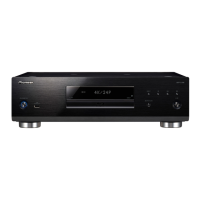
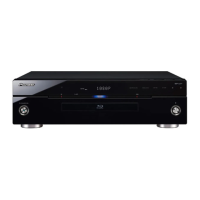
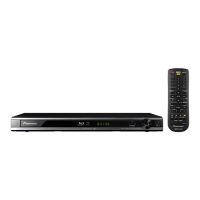
Main Unit (Front)
STANDBY/ON
PQLS
USB
FL OFFOPEN/CLOSE
4 6
11
5
1210 13
3 7 821 9
3D
5 V 0.5 A
Front Panel Display
1
Lights during playback.
2
Lights when in the pause mode.
Counter display3
Displays the title, chapter, track number,
elapsed time, etc.
1
36
2
Names and Functions of Parts
Main Unit (Rear)
BDP-LX54
AC IN
1
2
4 653 8
10
7
9
7
Introduction
1 STANDBY/ON (page 12)
The indicator lights when the power is on.
(BDP-LX54 only)
2 (STOP) (page 14)
3 (PAUSE) (page 17)
Remote control sensor (page 11)4
PQLS indicator (page 13)5
Blu-ray indicator6
Lights when the power is on.
Disc tray (page 14)7
3D indicator (page 21)8
9 OPEN/CLOSE (page 14)
FL OFF indicator (page 13)10
USB port (pages 11 and 23) 11
Front panel display (See below.)12
13 (PLAY) (page 14)
RS-232C terminal (BDP-LX54 only)1
The terminal is not used.
COMPONENT VIDEO OUTPUT jacks 2
(page 9)
VIDEO OUTPUT jack (3 page 10)
HDMI OUT terminal (page 9)4
LAN (10/100) terminal (page 11)5
DIGITAL OUT OPTICAL terminal (page 10)6
Cooling fan7
The cooling fan operates while the power to
the Player is on.
AC IN terminal (page 11) 8
USB port (pages 11 and 23)9
AUDIO OUTPUT jacks (page 10)10


 To Next Page
 Loading...