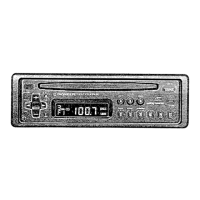
Storing Radio Text in Memory
Recalling Preset Radio Text
2. Press the FUNCTION button 1
through 6 to recall the Radio
Text memorized in correspond-
ing buttons (e.g. Press the
FUNCTION button 4).
1. Switch to the Radio Text display.
2. Press the FUNCTION button 1
through 6 for two seconds to
memorize the Radio Text in cor-
responding buttons (e.g. Press
the FUNCTION button 4 for two
seconds).
1. Perform “Radio Text Display” steps 1 and 2, and then select the Radio
Text you want to store in memory.
38
Using the RDS Functions



 To Next Page
 Loading...