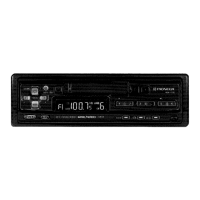
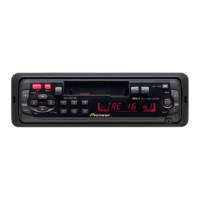
Need help?
Do you have a question about the Pioneer KP-1500 and is the answer not in the manual?
Check tape slack, insert pencil to wind up slack if necessary.
C-30, C-60, and C-90 tapes are recommended for use.
Clean the head front with a cotton applicator soaked with absolute alcohol.
Never oil moving parts; it causes idle turning of the cassette.
Do not store in high temperature/humidity or near magnetic sources.
Contact your dealer or the nearest authorized PIONEER Service Station for issues.
Adjust for your individual taste.
Adjust for your comfortable listening level.
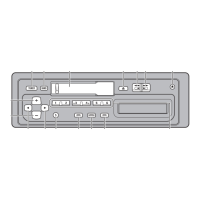
Push knob to switch ON power.
Red indicator lights up when tape is rewound.
Indicates FM stereo reception.
Eliminate FM inter-station noise; switch OFF if signal is weak.
Switches between FM and AM reception.
Set to stereo or mono for reception quality.
Adjust for signal obstruction or interference.
Turn to select the desired station.
Adjust for optimum stereo effect.
Insert cassette, program starts automatically.
Indicates the tuned station.
Controls tape fast forward and eject functions.
Adjust shaft interval by loosening nuts.
Unit designed for dashboard slot; opening may need enlargement.
Tune weak AM station and adjust trimmer for max volume.
Details of nuts, washers, screws, and other mounting hardware.
Fix the rear part of the set with a strap.
 General
| Brand | Pioneer |
|---|---|
| Model | KP-1500 |
| Category | Car Receiver |
| Language | English |

 To Next Page