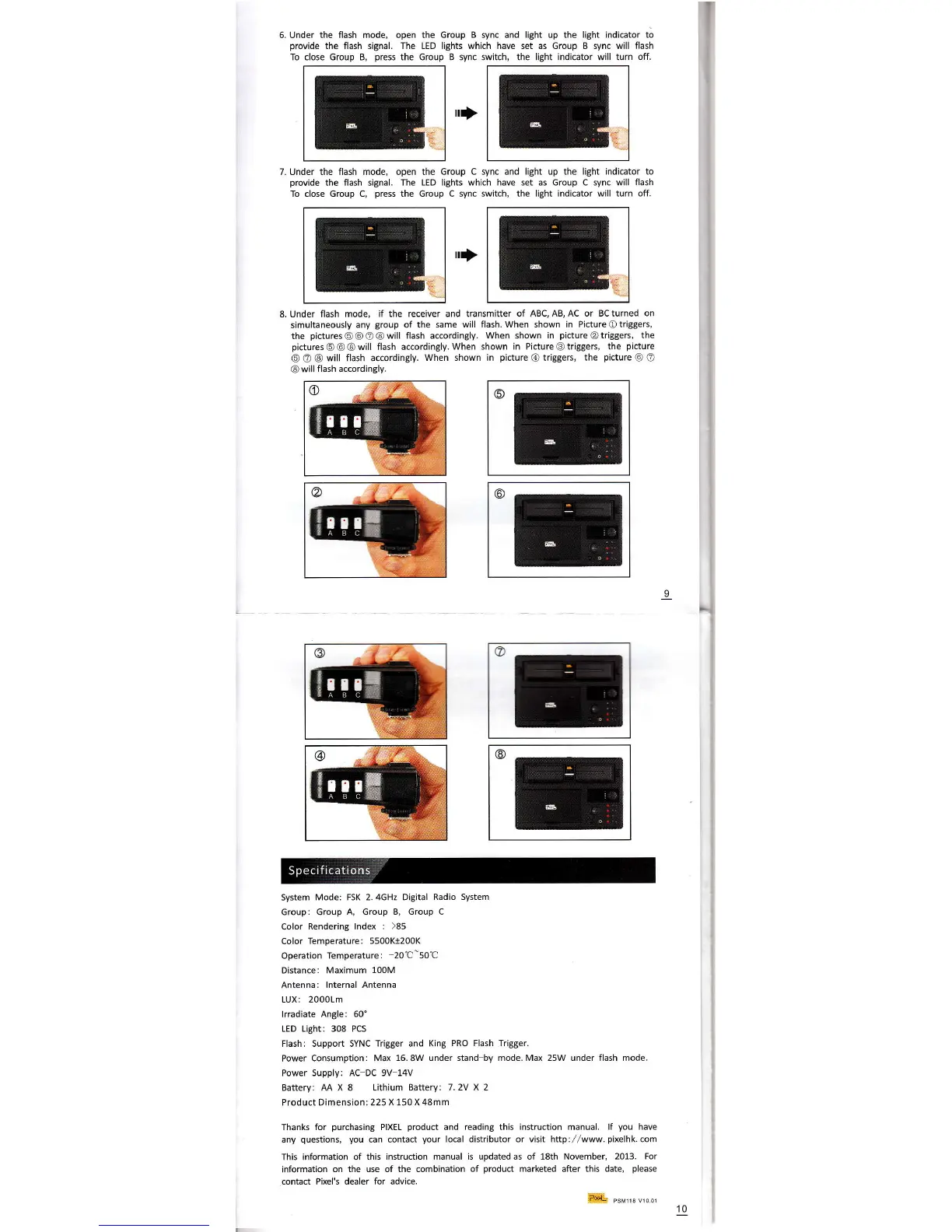
6. Under the flash mode, open the 6roup
B
sync
and light up the light indicator to
provide
the flash signal. The LED lights which have set as Group B sync will flash
To close Group B,
press
the Group B sync switch, the light
indicator
will turn
off.
7. Under the flash mode, open the Group C sync and
tight
up the
light indicator to
provide
the flash
signal.
The LED lights whlch have set as Group c sync will
flash
To close Group c,
press
the Group C sync switch,
the light indicator will turn off.
rI
rI
8.Under flash
mode, if the receiver and transmitter
of ABc,AB,Ac or Bcturned on
simultaneously
any
group
of the
same will flash.When shown in PictureOtriggers,
the
pictures@@Ol@will
flash accordingly. When
shown in
pictureOtriggers,
the
pictures@@@will
flash accordingly.When
shown in PictureG)triggers, the
picture
@ @ @
will flash accordingly.
When shown in
picture
@
triggers,
the
picture
@ @
@
will
flash accordingly.
Svstem
Mode: FSK 2.4GHz Digital
Radio System
Group: Group
A, Group 8. Group C
Color
Rendering lndex
: )85
Color Temperature:
5500Kt200K
Operation
Temperature:
20C-50'C
Distance: Maximum
100M
Antenna:
lnternal Antenna
LUx:20001m
lrradiate
Angle: 60'
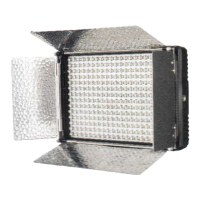
LED Lisht: 308 PCS
Flash: Support SYNC Trigger and King
PRo Flash Trigger.
Power Consumption:
Max 16.8W under stand by mode.Max 25W under flash mode.
Power Supply: AC DC 9V 14V
Battery: AA X 8
Lithium Battery: 7.2V X 2
Product Dimension: 225 X
150 x 48mm
Thank for
purchasing
PTXEL
product
and
reading
this
instruction
manual.
,f
you
have
any
questions, you
can contact
your
local distributor or visit http://www.
pixelhk.
com
This information
of this instruction manual is updated as of 18th November,
2013. For
information
on the use of the combination of
product
marketed
after
this date,
please
contact Pixel's dealer for advice.
9
o
::
@
@
+e
@
o
a
@
Pr*!-,
reMr1s ro 01
10


 To Previous Page
 Loading...