Installation
Caution:
Do not insert your finger behind the control panel.
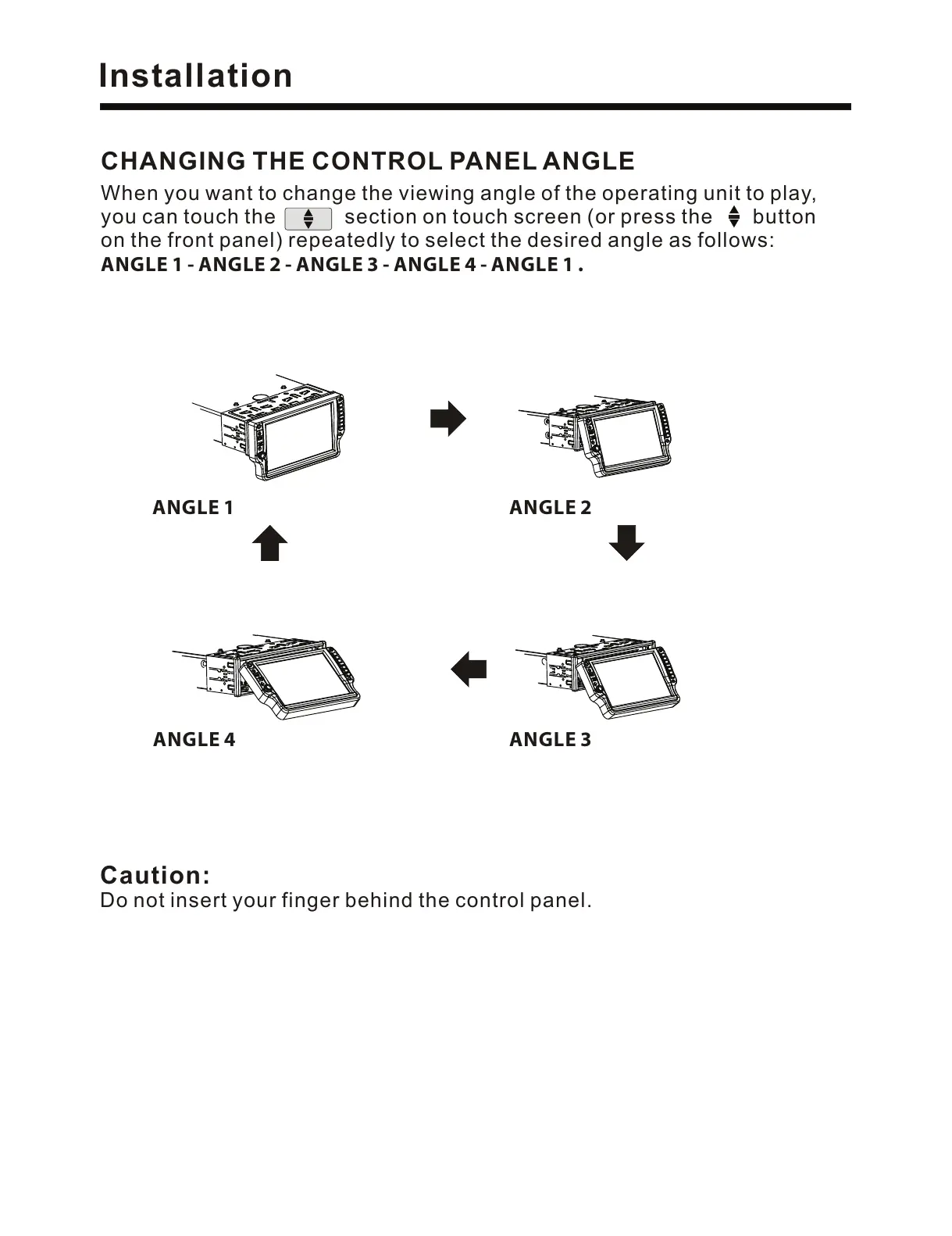
When you want to change the viewing angle of the operating unit to play,
you can touch the section on touch screen (or press the button
on the front panel) repeatedly to select the desired angle as follows:
ANGLE 1 - ANGLE 2 - ANGLE 3 - ANGLE 4 - ANGLE 1 .
CHANGING THE CONTROL PANEL ANGLE
ANGLE 1 ANGLE 2
ANGLE 3ANGLE 4



 To Next Page