ELECTRONICS
US ER INT E RFA CE PARA METE RS
C S 3
46
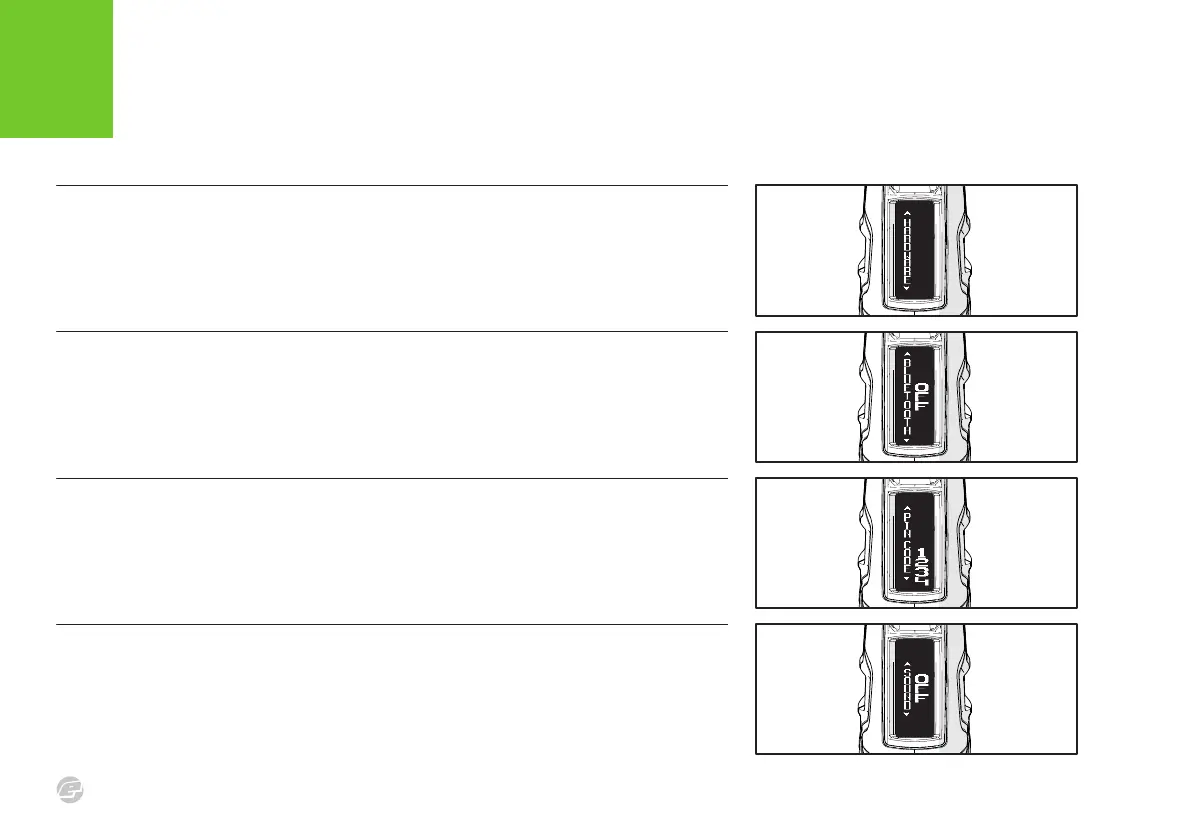
FIG .4
SOUND PARAMETER
Enables the on-board speaker.
> ON : Sound enabled.
> OFF : Sound disabled.
FIG .3
PIN CODE PARAMETER
Personal code used to secure
communications with the E-Portal Lite
smartphone app.
> RANGE : 0000 - 9999 in
increments of 1.
FIG .2
BLUETOOTH
®
PARAMETER
Enables the on-board Bluetooth
®
module.
> ON : Enable Bluetooth
®
> OFF : Disable Bluetooth
®
A blue LED indicates the Bluetooth
®
status.
> Off : Disabled
> Single flash : Enabled
> Double flash : Connected
FIG .1
HARDWARE MENU
The HARDWARE menu contains parameters
that are used to control the electronics
hardware.















 To Next Page