ELECTRONICS
SE TTIN GS MEN U SUMM ARY
C S 3
54
TURN OFF? Select to turn off the marker.
PRESET Select from a list of preset firing modes.
FIRE MODE Choose between semi-automatic and ramping firing modes.
ROF CAP Switch the rate of fire cap on or off.
BS ON ROF * Adjust the maximum achievable rate of fire when the breech sensor (BS) is on.
BS OFF ROF Adjust the maximum achievable rate of fire when the breech sensor (BS) is off.
RAMP SETUP * Sub-menu for configuring the ramping firing mode.
TIMING Sub-menu for adjusting the solenoid timing.
FILTER Sub-menu for adjusting the trigger and breech sensor filters.
HARDWARE Sub-menu for configuring hardware settings.
SERVICING Sub-menu for defining and monitoring service intervals.
TRAINING Enable/disable the ability to test shoot the marker without energising the solenoid.
SHOT COUNT Sub-menu for managing the shot counter.
GAME TIMER Sub-menu for managing the game timer.
EXIT Exit the menu and return to the run display.
The lock icon indicates items that can only be selected when
the tournament lock is switched off. See page 19.
* The asterisk indicates items with visibility dependent
upon the settings of other items.
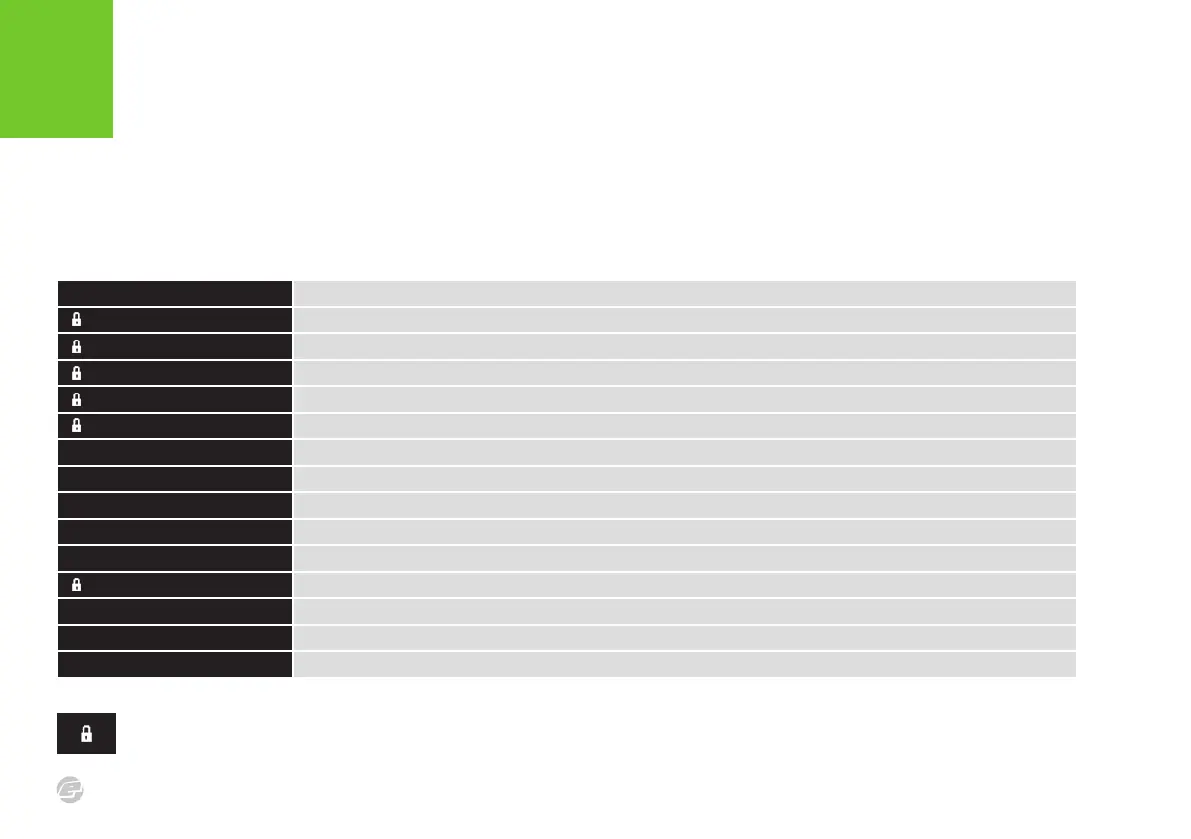
The table below is an overview of the main menu, which is the top level of the
settings menu structure. The following pages summarise all of the items within the
menu structure.















 To Next Page