
 Need help?
Do you have a question about the Planet 7" and is the answer not in the manual?
Instructions for turning the device on, sleep mode, and sound control.
Connect the AC adapter to charge the battery before initial use.
Press and hold the power button to start the device.
Protects the device against viruses and spyware threats.
Shop, download, and manage books, newspapers, and magazines.
Accesses the web to surf the web and visit favorite websites.
Set up and manage POP3, SMTP, IMAP, and Exchange email accounts.
Follow basic precautions to reduce risk of fire, electric shock, and injury.
 General
| Brand | Planet |
|---|---|
| Model | 7" |
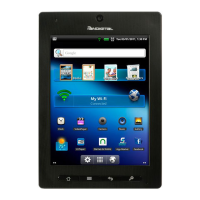
| Category | eBook Reader |
| Language | English |

 To Next Page