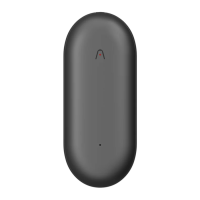
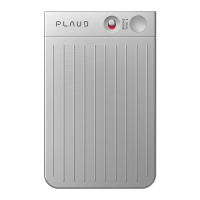
For phone call recording, ensure that your PLAUD NOTE is under the
PHONE CALL recording mode and securely attached to the back of your phone
using the provided MagSafe Case.
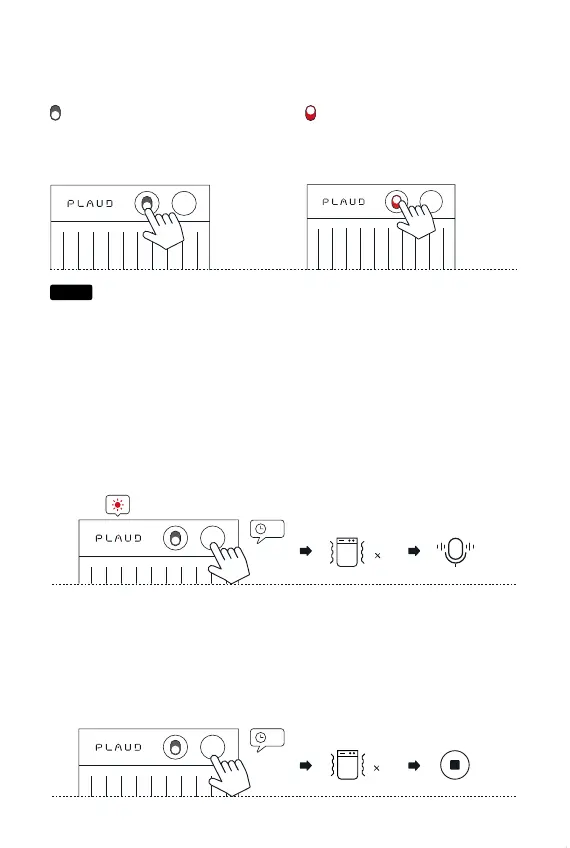
Start Recording
NOTE Recording Mode
Toggle down to NOTE recording
mode.
PHONE CALL Recording Mode
Toggle up to PHONE CALL recording
mode.
Start
Long-press the record button and hold it for 1 second until you feel 1 vibration,
indicating that the recording has started.
End
Long-press the record button and hold it for 1 second until you feel 2 vibrations,
indicating that the recording has ended.
1s
1s
DUAL
ENGINE
1
Start
2
End
Hallo!
Ciao!
Bonjour!
Hola!
こんにちは!
안녕하세요!
你好!
Hello!
Notice
PLAUD


 To Previous Page