12
EN
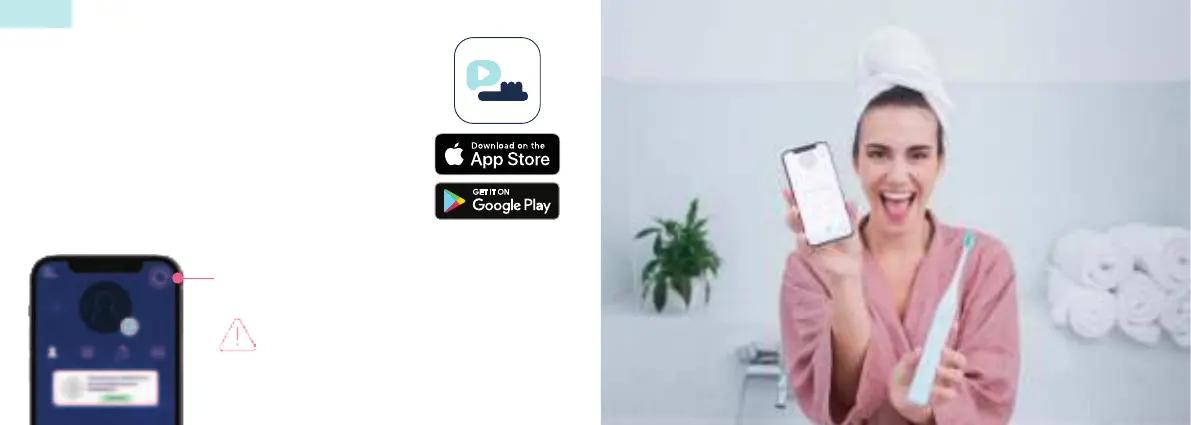
To connect your Smart One sonic toothbrush to the app,
follow the Quick Start Guide on page 2. For connection
problems, consult the FAQs on page 27.
You don’t want to constantly use the app?
No problem! To keep track of your progress, offline brushing
sessions, i.e. those done without the app, can be stored on
the brush for up to 6 months and transferred when synced.
For necessary performance updates,
connect the brush to the app
regularly, even if you are not using
the app.
Syncing your brushing progress
App Connection & Use
12



 To Next Page