9 9
EN
Battery
Top Tip: To boost your battery, for the first 7 days of use
return the brush to the charging station after each brushing
session.
Light feedback during your cleaning session
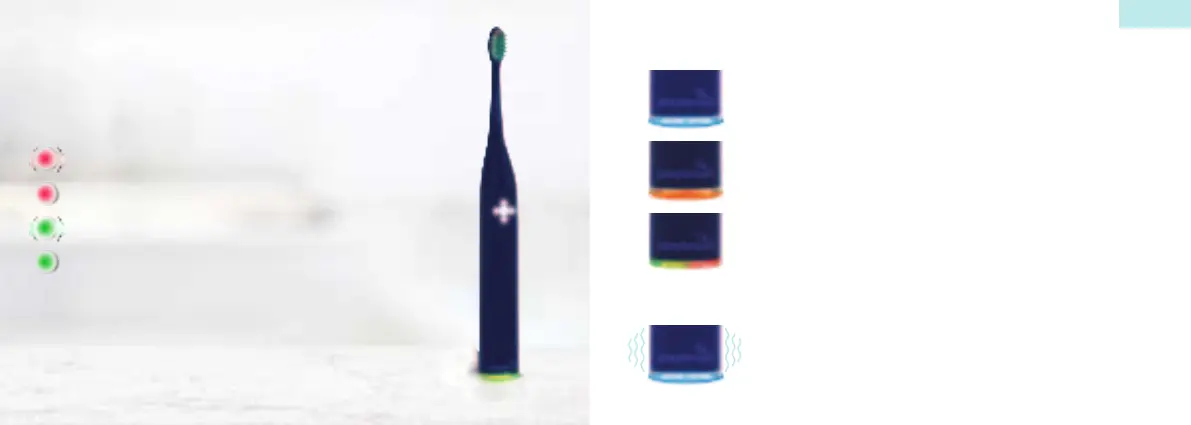
Blinking blue = Ready to connect to the app
Continuous blue = Connected to the app
Flashing orange = You are brushing too fast or too hard.
Flashing green/red = Your Playbrush needs a performance
upgrade. Connect to the app.
Short vibration (1 impulse):
A quarter of your cleaning time has elapsed.
Long vibration (3 impulses):
The cleaning time has completely elapsed.
Red flashing = Battery is low
Red continuous = Battery is empty
Green flashing = Battery is charging
Green continuous = Battery fully charged



 To Next Page