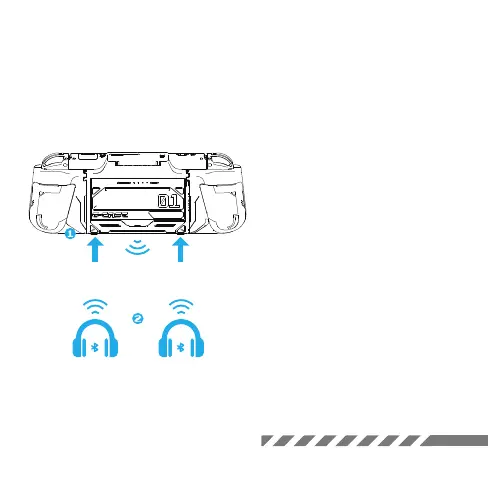
Handheld Mode
Pair Bluetooth
1. Press both buttons on the G-case
at the same time to activate them.
2. Press either Bluetooth button.
The indicator will flash slowly,
showing it's ready to connect.
3. Press and hold the same button
until the indicator flashes quickly,
indicating pairing mode. Put your
earphone in pairing mode too. When
they're paired, the indicator will
stay on.
*Note: G-Case can pair two sets of
devices at the same time.
KEEP OUT



 To Next Page