OPERATION
26
English
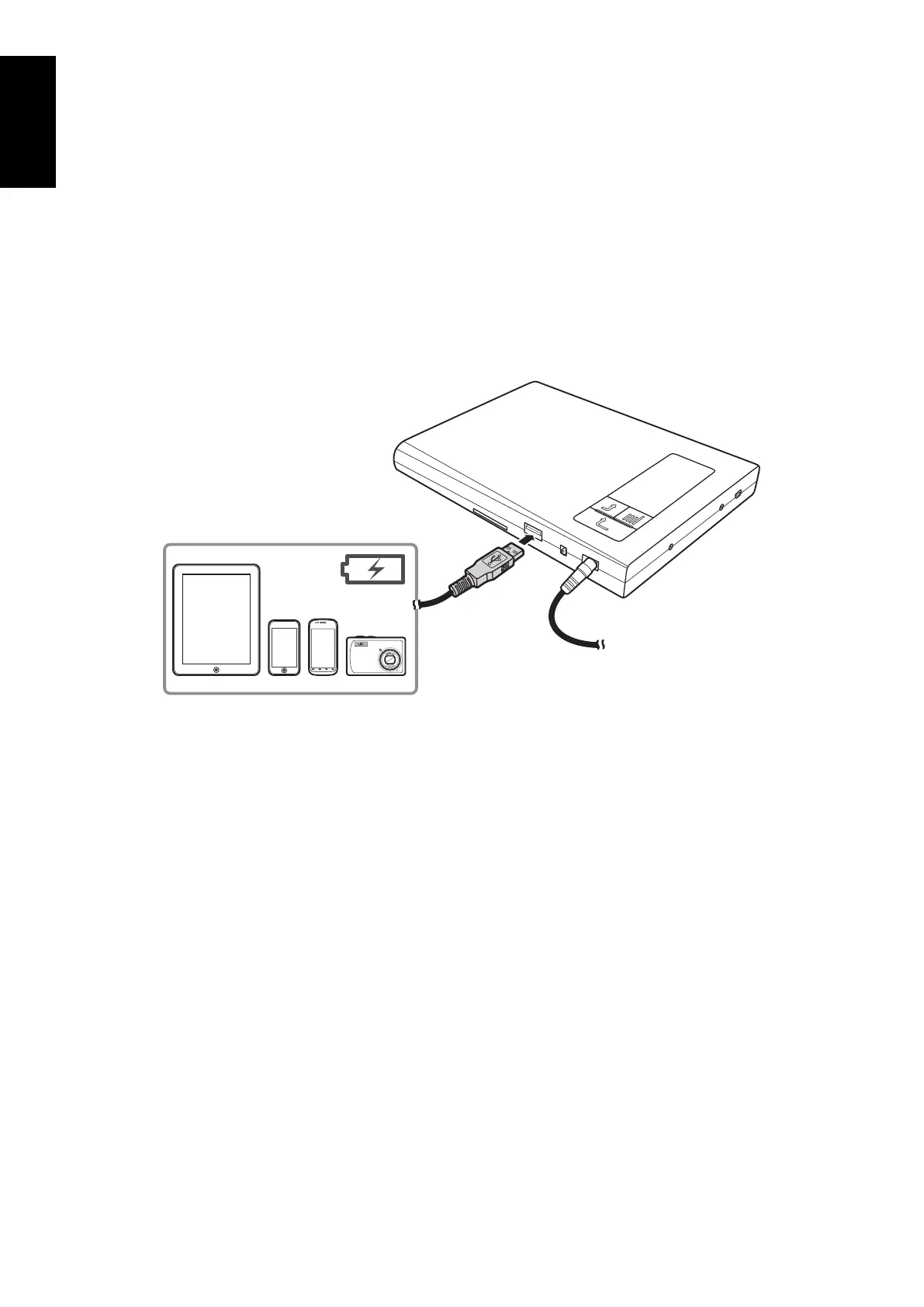
Using as a USB Charger
You can use this drive to charge the battery for USB devices such as tablet PC, mobile phones,
and other similar devices.
Connect one end of the USB cable to the USB port of the drive.1.
Connect the other end of the USB cable to the USB port of your USB device.2.
Connect the AC/DC adapter and turn on the drive to start charging the battery of the 3.
connected USB device.
Note:
For tablet PC, mobile device, and digital camera, a “USB Mode” menu may appear when it is connected
to the drive. Select “Charge only” to charge the device via USB. For details, refer to the respective device
user’s manual.



 To Next Page