Optional Devices
2. Display Module _ FCW
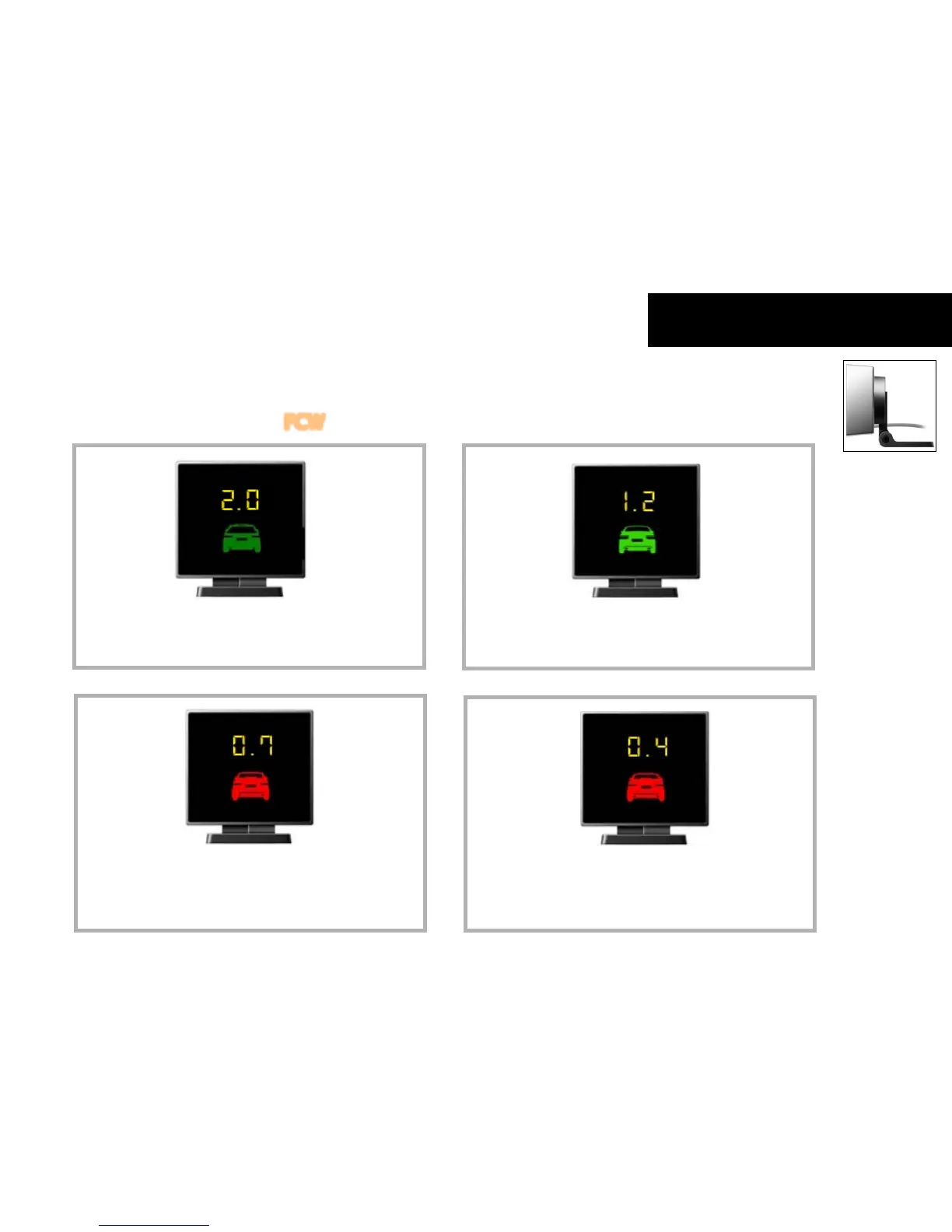
In the case of detecting the preceding vehicle
with the vehicle speed above the FCW threshold setting
(Dark green vehicle icon when exceeding TTC 2.0)
In the case of detecting the preceding vehicle
with the vehicle speed above the FCW threshold setting
(Bright green vehicle icon and TTC)
In the case of the second warning with the vehicle speed
above the FCW threshold setting
(Red blinking vehicle icon with TTC)
The second TTC start point can be changed through the
manager program or smart phone App.
In the case of the third warning with the vehicle speed
above the FCW threshold setting
(Red vehicle icon with TTC)
The third TTC start point is fixed.



 To Next Page