Optional Devices
3-3-3. Install
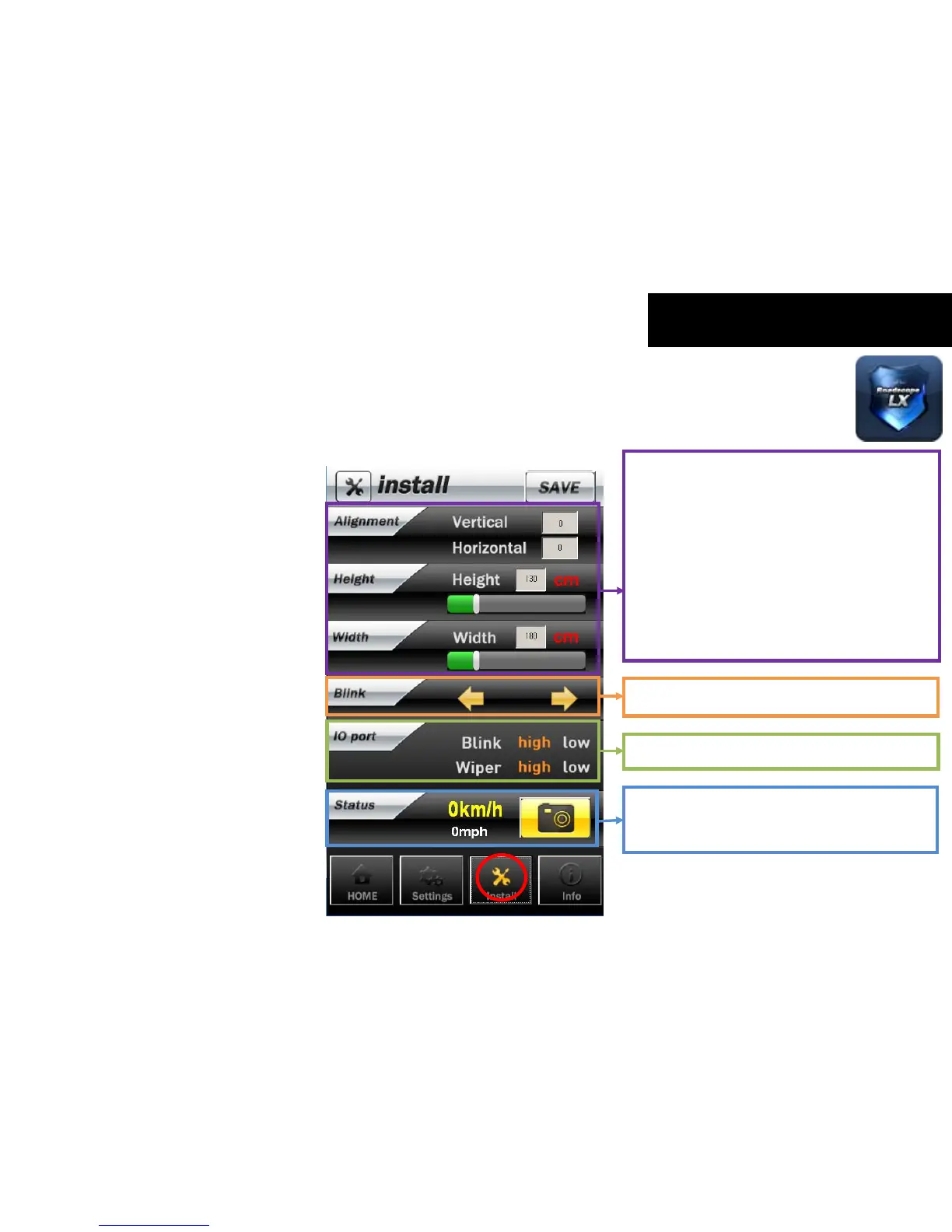
These items are for the vehicle information.
These are registered when installing Roadscope
LX at first.
Height – measure height from installed LX lens
and ground and input value.
Width - measure width between front two tire
of vehicle and input value
After entering the height and width of the
vehicle, please click the ‘SAVE’ button.
Check which signal is turned on.
The user can click the camera icon to capture
the front image. The captured image will be
used for analysis.
The user can set up the active status of
blinkers and wiper.



 To Next Page