12
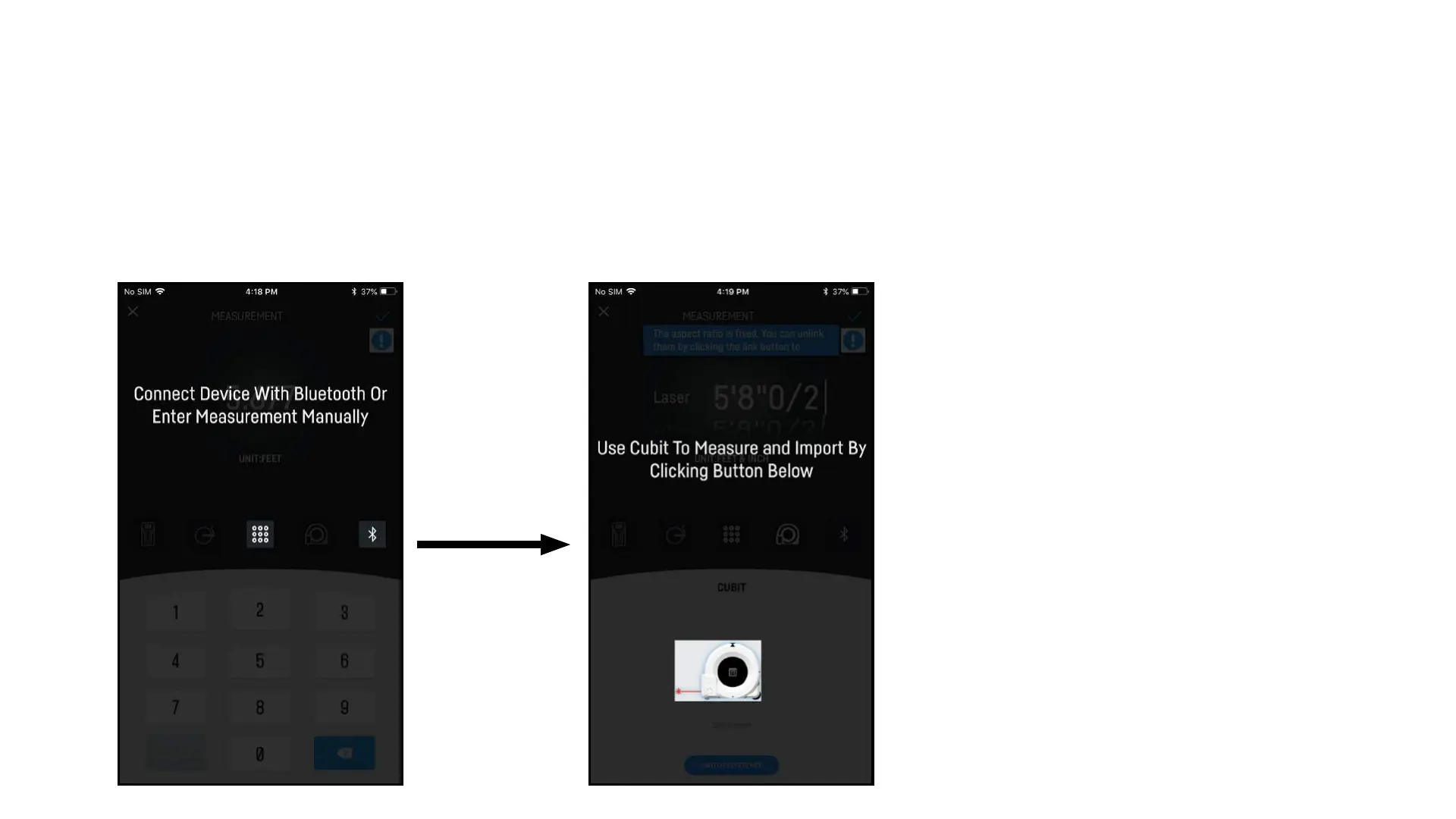
6. Enter Measurement 7. Select Cubit
6. You can now manually enter in a measurement
using the key pad or connect to a bluetooth
device to record measurement.
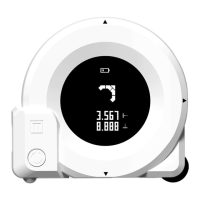
7. Select Cubit Icon then select Cubit Picture to
input the current Horizontal measurement
displayed on Cubit.
8. Select the check mark when you are done
editing.
9. Repeat steps for other dimension.
Background will be present on edit screen
App Usage “Using Cubit to Measure Background”
Step by S
tep Guide


 To Next Page