_____________________________________________________ ________
23
Mastering the Art of Soldering www.plusivo.com
3. Do not move PCB and let the joint cool down naturally and let the solder to solidify. Check
if you were able to create a good solder joint.
NOTE: A good solder joint is smooth and shiny and has cone-shape, not a ball or a
clump
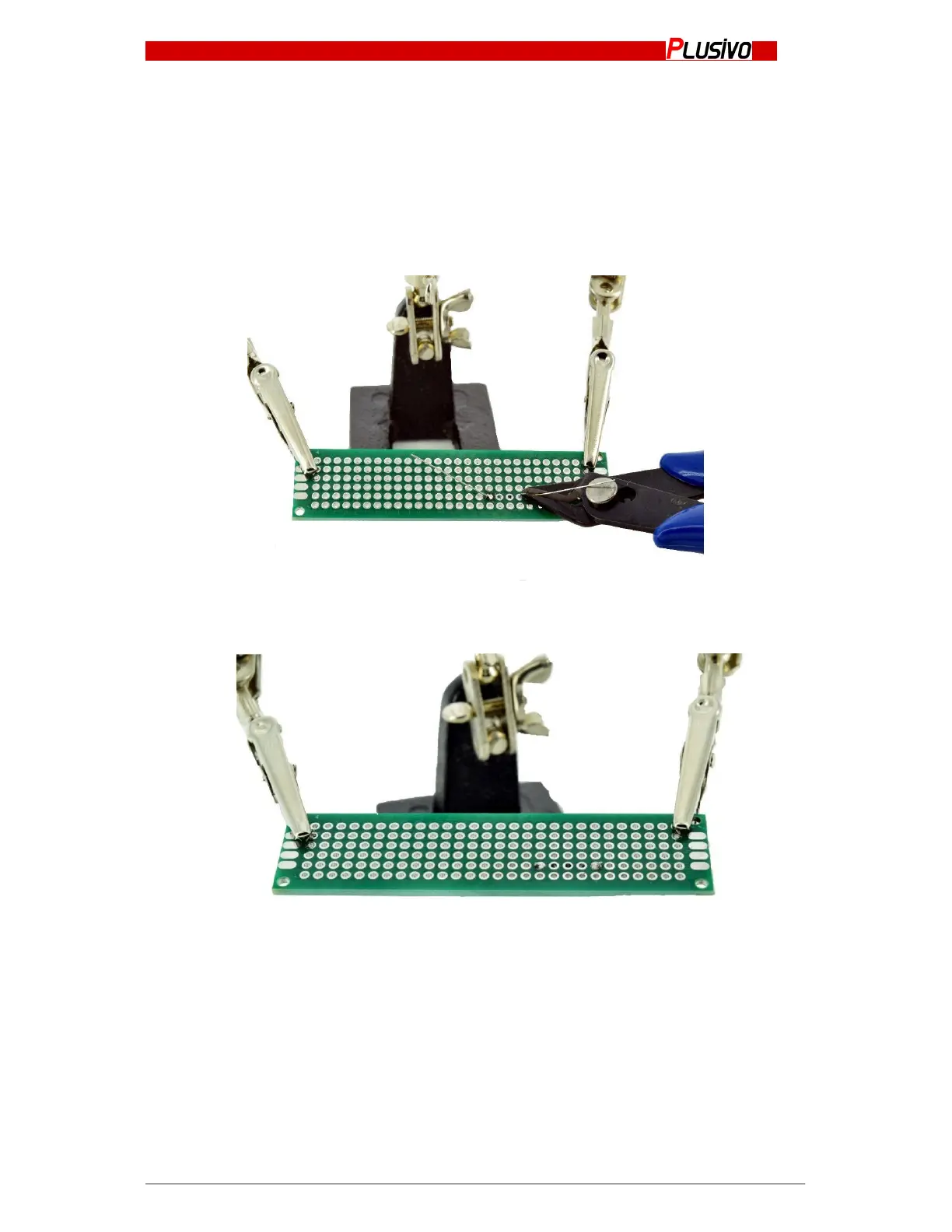
4. After creating a good solder, remove the soldering iron and snip the extra wire from the
leads/terminals.
5. Now you’re done.


 To Next Page