Model SFD-1000
Talos™ Lightning Detector User Manual
Important: Not every lightning strike will be detected. This is NOT a life-saving device.
USING THE LIGHTNING DETECTOR
Remove the Mounting Base
Remove/Insert the detector from the mounting base by placing on a flat service and pressing
on the side tabs, then slide the unit out.
Install Batteries
1. Install 4 AA Batteries (Recommend new AA Lithium batteries for longer battery life).
2. Remove the 4 battery door screws and open battery compartment. Note: Care must be
taken not to damage the water-protected seal.
Power On/Off
1. Turn on the detector by pressing the ON button.
2. A single green LED will walk across the display indicating the detector is listening for
lightning/storm activity.
3. To turn the detector off, press and hold the off button for 5 seconds and release. A
single red LED will walk across the display and the unit will then turn off. If you do not
see the red, hold for an additional 5 seconds and release.

 Need help?
 General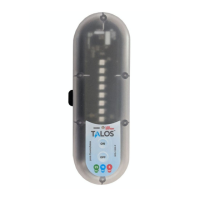

 To Next Page