English 6 User manual
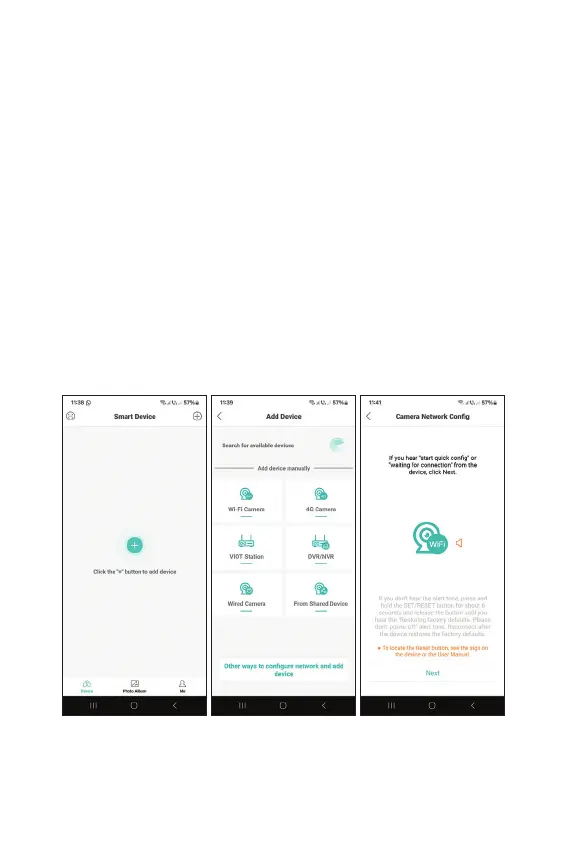
procedure. To reset the camera, remove the rubber
cap from the camera and press the Reset button
located next to the micro SD card slot on the board.
• Set a camera access password.
• Rename the camera.
• If the SD card was correctly installed in the
camera, set the recording mode: upon motion
detection (alarm) or continuously (24H).
• Enable/disable alarm notifications.
• Press the “Completed” button to complete
the camera configuration procedure in the
application.



 To Next Page