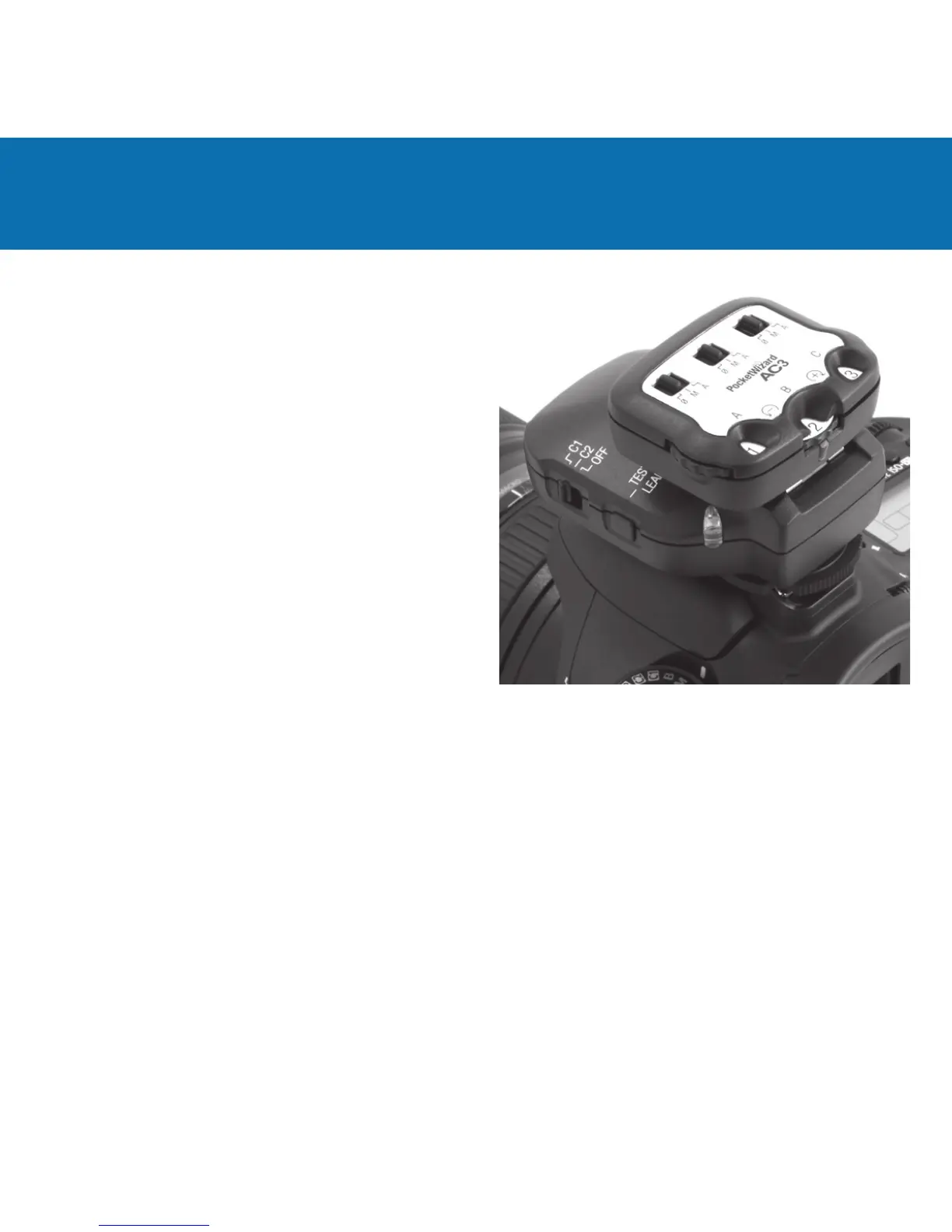
Power Dials
Sets the ash output power.
Mode Switches
0/ = OFF - ashes will not trigger. Set unused zones
to 0/.
M = Manual Mode - ControlTL compatible ashes
will use the manual power output value set on the
Power Dial. See the AC3 Manual Mode section for
more information.
A = Auto Mode - ControlTL compatible ashes will
use the Flash Exposure Compensation (FEC) as set
on the Power Dial. ISO and aperture changes will
track and be adjusted automatically. Canon Speedlites
will perform E-TTL exposures.
Release Button
Press the release button to remove the AC3 from your transmitter.
Status LED
The green Status LED blinks occasionally to indicate normal operation.



 To Next Page