The AC3 ZoneController enhances the ControlTL capabilities of your MiniTT1
and FlexTT5 radios by allowing you to control the ash output power remotely
in either Auto/E-TTL or Manual.
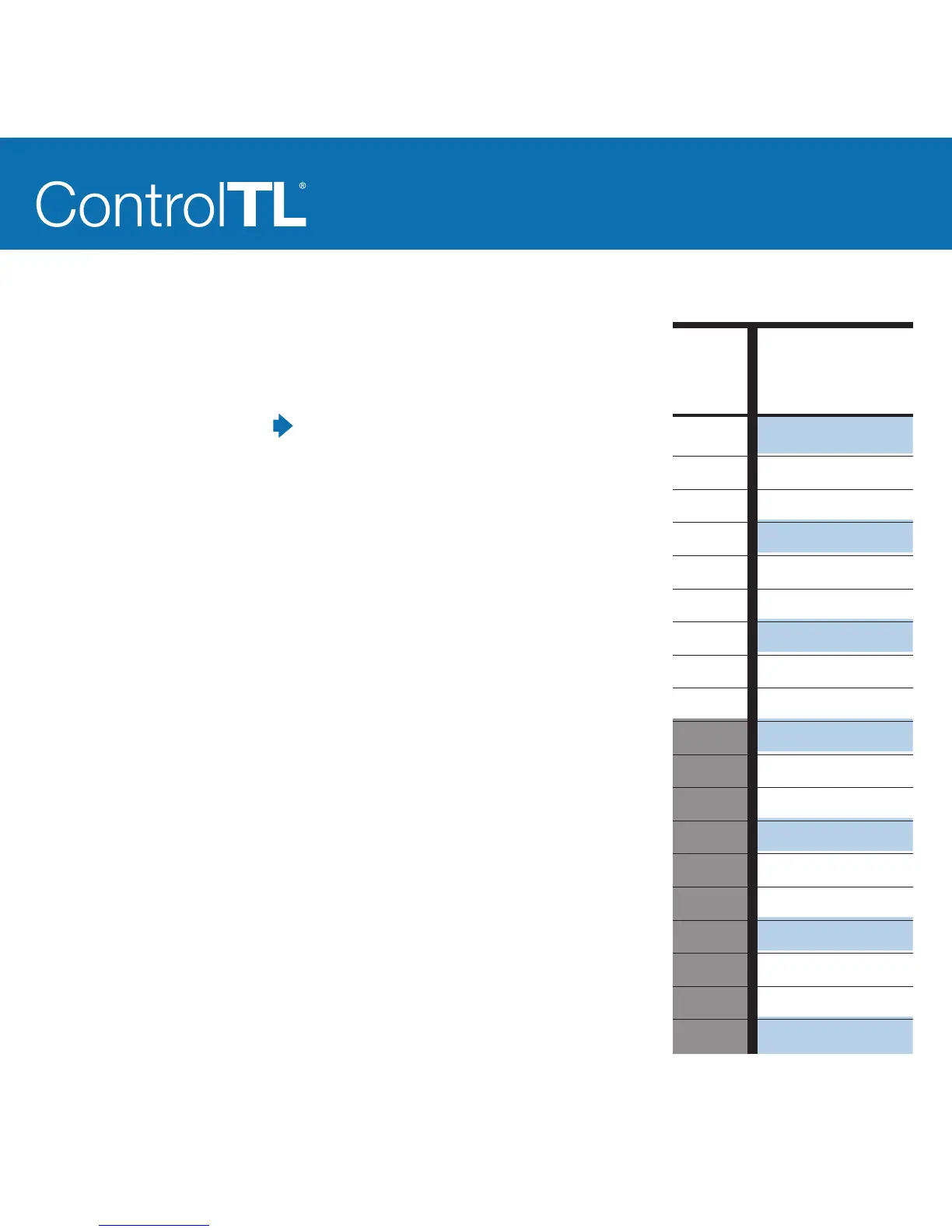
AC3 Manual Mode: the Power Dial sets the remote Speedlite power output as
shown in the table on the right.
AC3 Auto Mode: the Power Dial sets the Flash Exposure Compensation (FEC)
relative to the E-TTL exposure for that zone.
Zones set to Manual or Auto mode can be combined with zones in other
modes. Manual zones will not be calculated as part of the E-TTL exposure.
Zones set to 0/ (OFF) will not trigger.
FEC NOTE: Flash Exposure Compensation (FEC) can be set in many places and
all values are used together in Auto Mode. FEC can be set:
• On the camera for all AC3 zones set to A
• On each remote Speedlite
• On the AC3 Power Dial when the zone is set to A
If the combined FEC adjustments are more or less than your ash’s capabilities,
then the ash will operate at maximum or minimum output accordingly.
* The Power Dial can adjust over a 6 stop range. To achieve the lowest manual
power settings on your Canon Speedlite like 1/128, you’ll need to adjust FEC
down accordingly.
AC3
Power
Dial =
3
2.7
2.3
2
1.7
1.3
1
0.7
0.3
0
0.3
0.7
1
1.3
1.7
2
2.3
2.7
3
Manual Power Settings
Canon Speedlite
Manual Power
Output =
1/1
1/2 + 0.7
1/2 + 0.3
1/2
1/4 + 0.7
1/4 + 0.3
1/4
1/8 + 0.7
1/8 + 0.3
1/8
1/16 + 0.7
1/16 + 0.3
1/16
1/32 + 0.7
1/32 + 0.3
1/32
1/64 + 0.7
1/64 + 0.3
1/64 *



 To Next Page