Home
POCKETALK
eBook Reader
S
Page 9
POCKETALK S - Page 9
59 pages
Manual
Save Page as PDF
To Next Page
To Next Page
To Previous Page
To Previous Page
Loading...
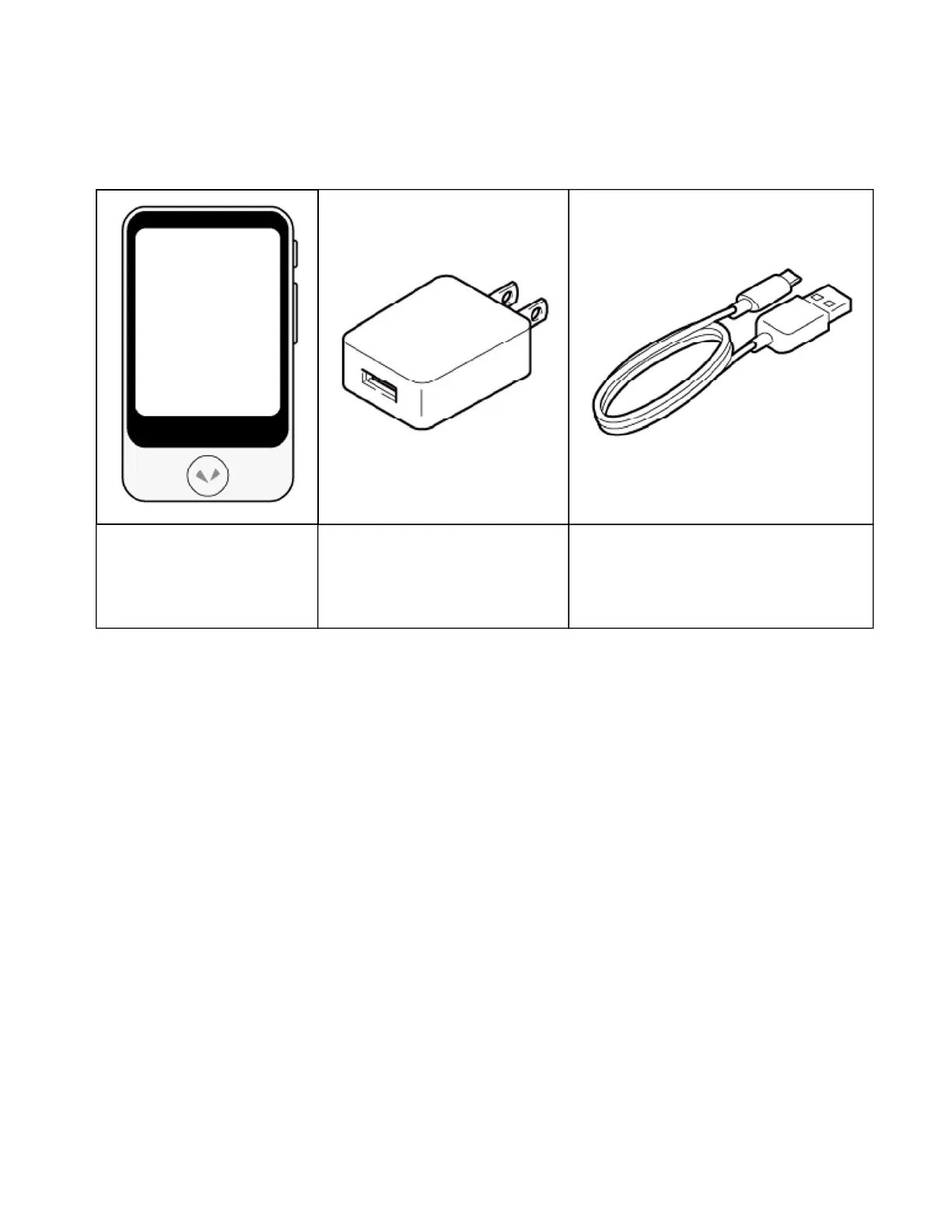
Confirming the packaged items
In additio
n to the u
nit, confirm tha
t the fo
llowing items are
included.
Unit
USB charger
USB charging cable
(Unit connector: USB Type
-C
Charger connecto
r: USB Type-A)
•
Startup Guide
•
Safety Precaution
s & FCC Statement
8
10
Table of Contents
Main Page
Before Use
2
Built-In Battery
4
Electromagnetic Interference
5
When Charging
6
When Cleaning
7
Names of the Parts
10
Turning the Unit on or off
13
Basic Screens
22
Lock Screen
23
Deleting Favorites
34
Mobile Network Settings
39
Pairing with a Bluetooth Device
41
Turning Bluetooth On/Off
41
Adjusting the Volume
42
Changing the Display Brightness
43
Using the Lock Screen
47
Inserting a SIM
55
Troubleshooting
56
Frequently Asked Questions
57
Radio Wave Exposure and Specific Absorption Rate (SAR) Information
59


 To Next Page