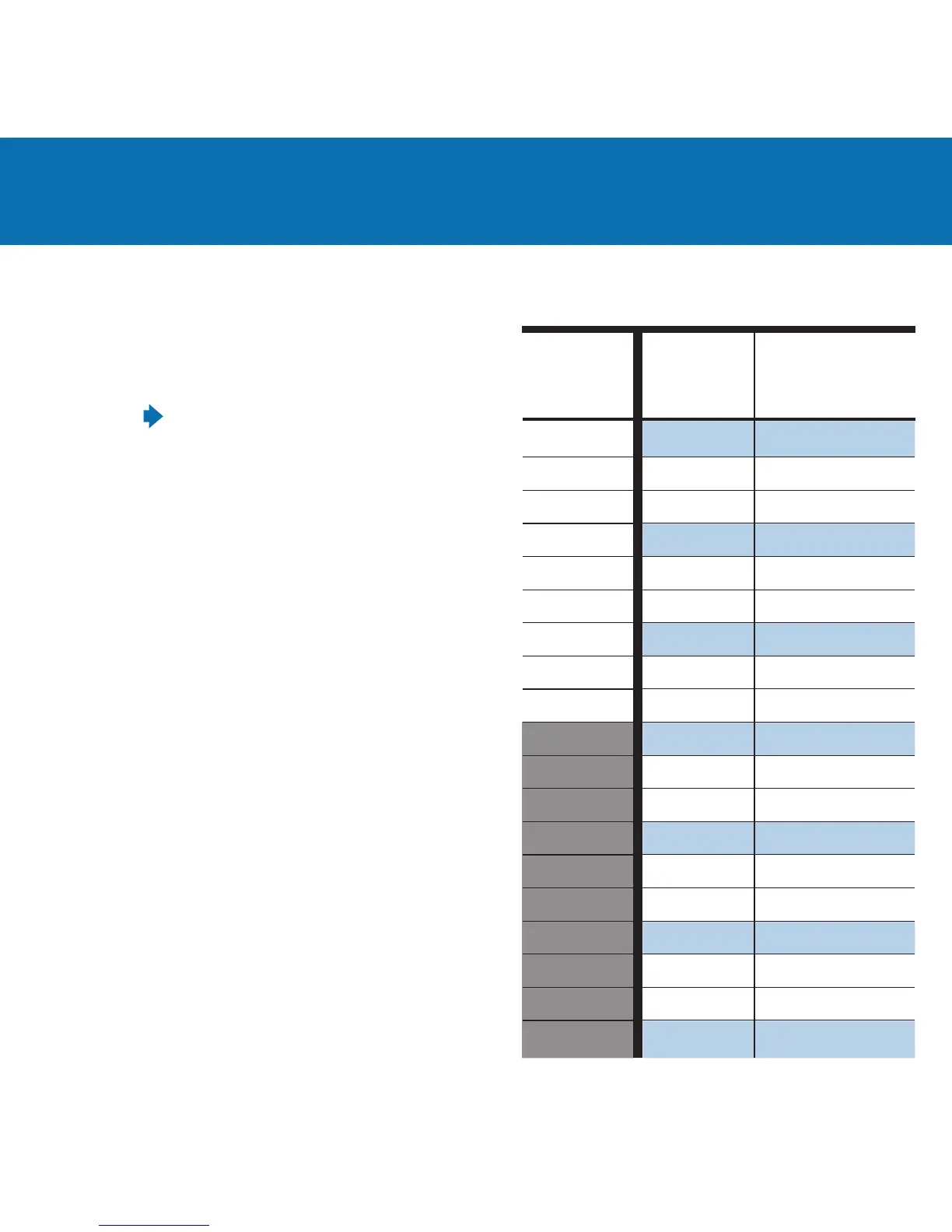
Basic Power Control
Camera FEC/EC
- Or -
AC3 Power Dial
in Manual
+ 3
+ 2.7
+ 2.3
+ 2
+ 1.7
+ 1.3
+ 1
+ 0.7
+ 0.3
- 0
- 0.3
- 0.7
- 1
- 1.3
- 1.7
- 2
- 2.3
- 2.7
- 3
With only a MiniTT1
®
or FlexTT5
®
on your camera, your
camera’s FEC (Flash Exposure Compensation) control
will adjust your ash power output level for all your
AC9-connected ashes as shown in the table
on the right.
Nikon: The camera’s FEC or EC (Exposure
Compensation) control will adjust ash power output
level. The Nikon D3 series cameras do not have an FEC
adjustment. You can use the EC adjustment on all Nikon
cameras, including the D3 series, whenever a ash
power output level adjustment is needed.
Canon: Both the camera’s ISO and FEC controls will
adjust ash power output level. Changes to FEC will
adjust ash power output level as shown in the table
on the right. Changes from the ISO used for your rst
picture will adjust ash output power level relative to
FEC. For example, if your rst picture was at ISO 200,
and you adjusted ISO down to 100, your ash power
level would be 1 stop brighter for all FEC settings.
This operation assumes PowerTracking is set to Full
Manual in the PocketWizard Utility which is the default.
You can use any PocketWizard receiving radios together
in the same exposure, including other ControlTL radios.
Remember that studio and manual ash output will not
be calculated as part of an E-TTL / i-TTL exposure.
AlienBees, White Lightning, Zeus
Power Output Settings
Most Models
1/1
1/2 + 0.7
1/2 + 0.3
1/2
1/4 + 0.7
1/4 + 0.3
1/4
1/8 + 0.7
1/8 + 0.3
1/8
1/16 + 0.7
1/16 + 0.3
1/16
1/32 + 0.7
1/32 + 0.3
1/32
1/32
1/32
1/32
White Lightning
X1600, X2400
& X3200 only:
Low Range Mode
1/4
1/8 + 0.7
1/8 + 0.3
1/8
1/16 + 0.7
1/16 + 0.3
1/16
1/32 + 0.7
1/32 + 0.3
1/32
1/64 + 0.7
1/64 + 0.3
1/64
1/128 + 0.7
1/128 + 0.3
1/128
1/128
1/128
1/128



 To Next Page
 Loading...