AC3 ZoneController
71
Release Button
Press the release button to remove the AC3 from your transmitter.
Status LED
The green Status LED blinks occasionally to indicate normal operation.
Power Dials
Sets the flash output power.
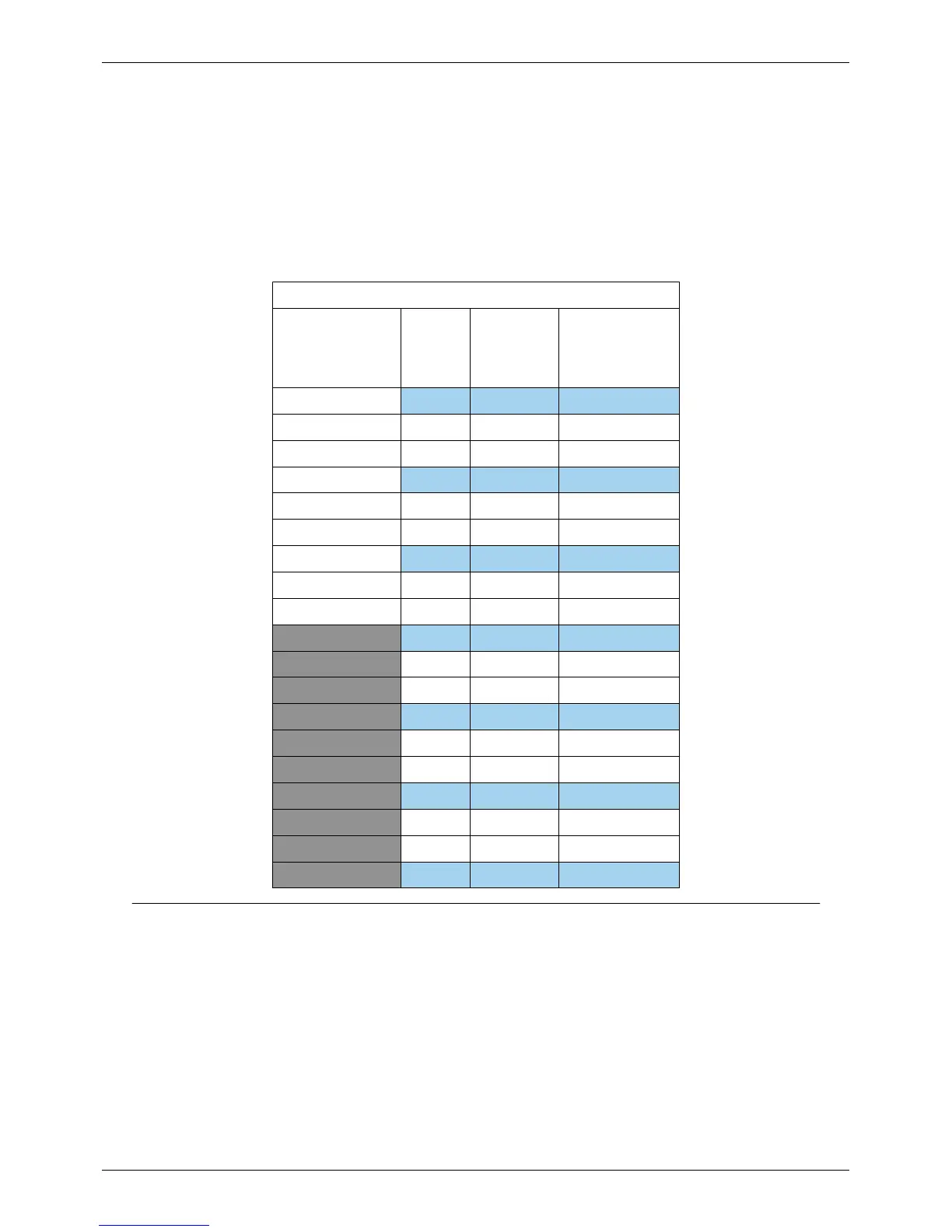
AC3 Power Control Chart (Manual)
AC3 Power Dial Setting Speedlights Most
ControlTL
Studio Strobes
(5-stop Range)
White Lightning
X800,
X1600 & X3200 Only;
Low Range Mode
+3 1/1 1/1 1/4
+2.7 1/2 + 0.7 1/2 + 0.7 1/8 + 0.7
+2.3 1/2 + 0.3 1/2 + 0.3 1/8 + 0.3
+2 1/2 1/2 1/8
+1.7 1/4 + 0.7 1/4 + 0.7 1/16th + 0.7
+1.3 1/4 + 0.3 1/4 + 0.3 1/16 + 0.3
+1 1/4 1/4 1/16
+0.7 1/8 + 0.7 1/8 + 0.7 1/32 + 0.7
+0.3 1/8 +0.3 1/8 +0.3 1/32 + 0.3
0 1/8 1/8 1/32
-0.3 1/16 + 0.7 1/16 + 0.7 1/64 + 0.7
-0.7 1/16 + 0.3 1/16 + 0.3 1/64 + 0.3
-1 1/16 1/16 1/64
-1.3 1/32 + 0.7 1/32 + 0.7 1/128 + 0.7
-1.7 1/32 + 0.3 1/32 + 0.3 1/128 + 0.3
-2 1/32 1/32 1/128
-2.3 1/64 + 0.7 1/32 1/128
-2.7 1/64 + 0.3 1/32 1/128
-3 1/64 1/32 1/128
Specifications



 To Next Page