Hello, please start here.
If you are new to POGO Automatic, this guide
will help you learn the basics of automatic blood
glucose testing.
IMPORTANT: READ BEFORE TESTING
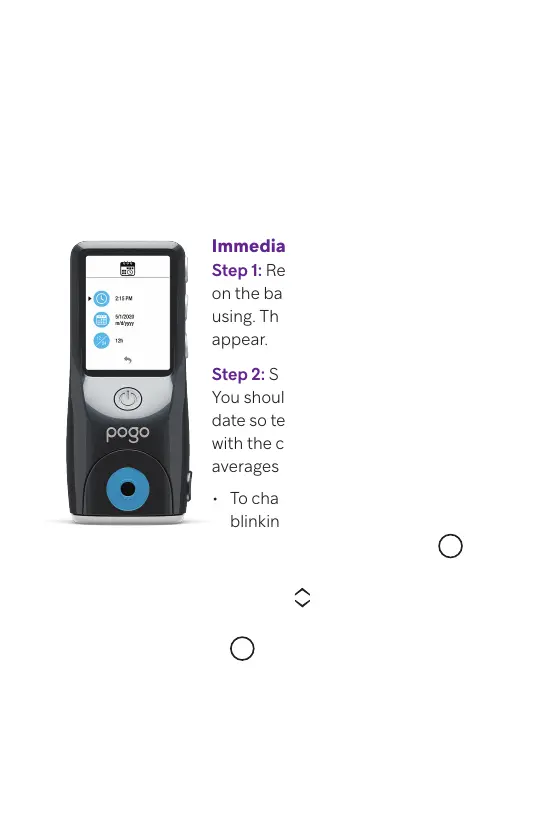
Immediately: Set Time and Date
Step 1: Remove the battery pull tab
on the back of the meter to start
using. Then Time and Date menu will
appear.
Step 2: Set Time and Date.
You should always set the time and
date so test results can be recorded
with the correct information and
averages can be correctly calculated.
For more information,
refer to pages 54–55 of
your POGO Automatic
Owner’s Manual.
• To change the time, make sure the
blinking selection arrow is next to
the clock symbol and press
M
to select.
• Use the scroll buttons to
adjust the time setting and press
M
to conrm.
• Use the same steps to change the
day, month and year.
• Press the power button to
continue.
Owner’s Manual is
located at the bottom
of your meter box.



 To Next Page