6
Click on Get Started from the main
window.
7
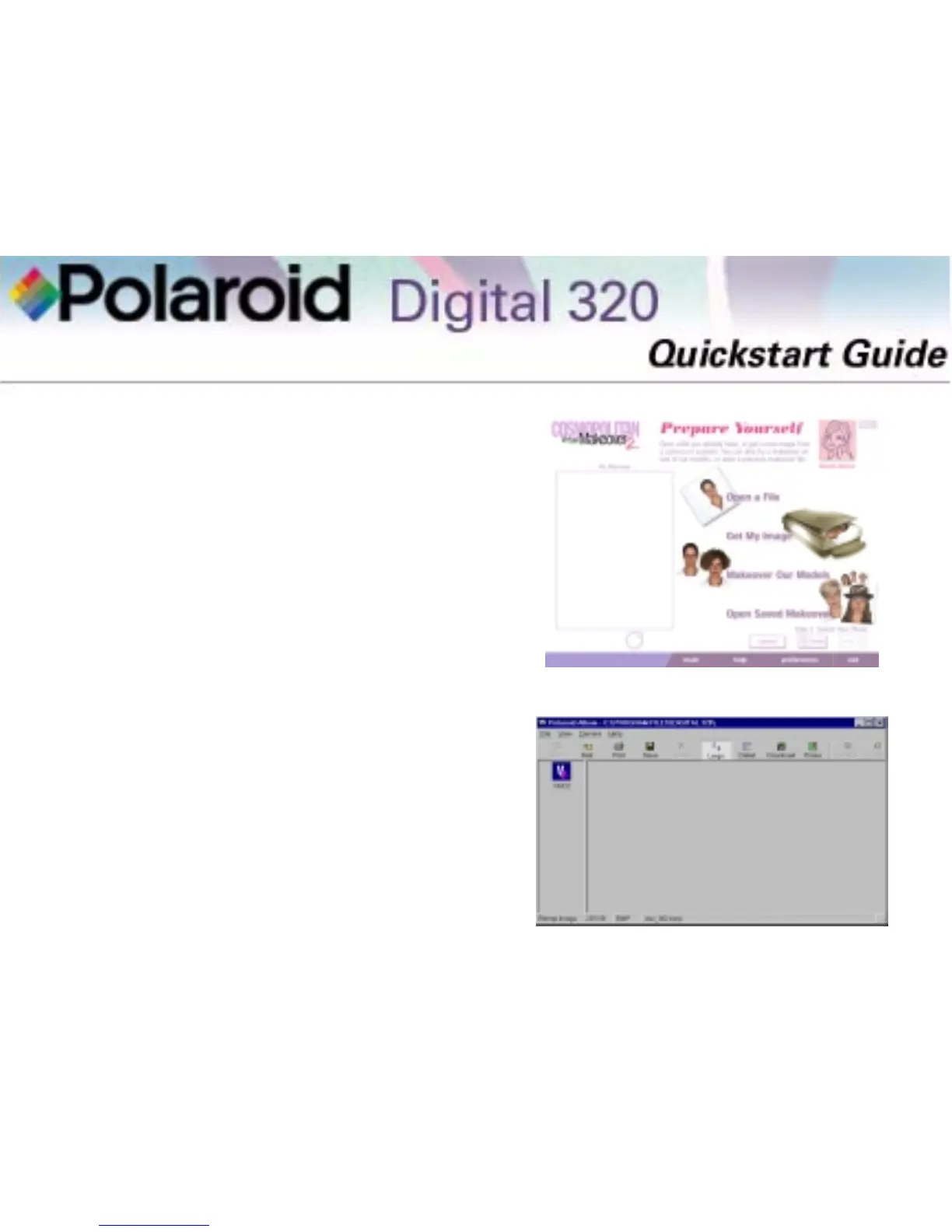
Click Get My Image on the Prepare
Yourself window.
8
The Select Source window opens.
Click Polaroid Digital 320 camera
and click Select.
9
The Polaroid Digital 320 Camera
TWAIN software opens. The
TWAIN software is used to down-
load, delete, and save images from
your camera.
Note: The image editing applica-
tion being used with the TWAIN
software is shown on the left side of
the window as an icon.
COSMO Virtual Makeover 2 Software
Polaroid Digital 320 TWAIN Software



 To Next Page
 Loading...