R
L
AUDIO
VIDEO
L
R
VIDEO1 IN
AUDIO
VIDEO
10
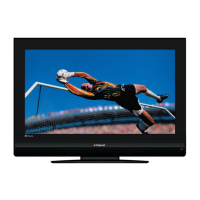
Introducing the LCD TV
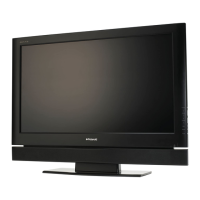
Your LCD TV
LED
The LED light indicates when the LCD
TV is activated.
MENU
Press once to display the OSD (on
screen display), press again to turn the
OSD off.
VOLUME
▲▼
Press to adjust the volume up and
down. Selects the main-menu item and
change values for items when in the
OSD mode.
Turns the LCD TV on and into standby mode.
CHANNEL▲▼
Press to scan up and down through
channels. Selects sub-menu item when in
the OSD mode.
INPUT
Choose from different input signal
sources.
Front/Right Side View and Controls
Headphone
Connects to the external
headhone for private
listening.
VIDEO1 IN
Connects to the composite
Video and Audio output jacks
on external video equipment.
IR
Remote control
sensor


 To Next Page
 Loading...