7
Using the AC Adapter
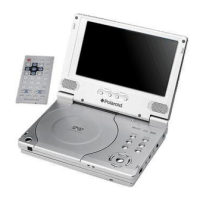
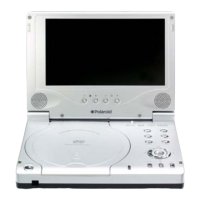
1. Connect AC adapter to the jack marked DC IN on the right side of the slave LCD
screen in, as shown below.
2. Plug the two-prong end of the power cord into a grounded electrical outlet.
Note: Turn player's power off before unplugging.
Using of Car Adapter
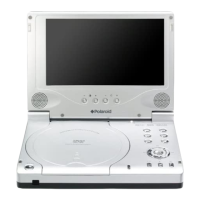
Connect the Car Adapter Power Plug to the slave LCD screen’s power jack and plug the
other end to the vehicle’s cigarette socket as the figure shows below.
Attention
¾
Do not operate the unit or view video software while driving a vehicle.
¾
Place the unit in a proper position for viewing.
¾
Disconnect the player from the Car Adapter when starting the vehicle.
Power Supply Preparation



 To Next Page
 Loading...