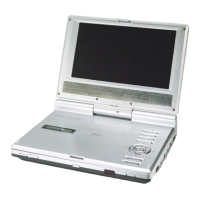
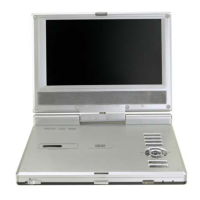
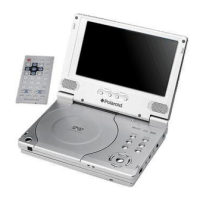
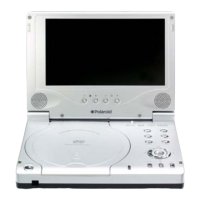
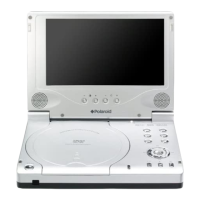
9
7. ◄/ button
Press to select different options, or to return to the previous list or the previous track
or chapter.
8. ▲/ button
Press to select different options, or to search forward fast.
9. ▼/ button
Press to select different options, or to search backward fast.
10. ►/ button
Press to select different options, or to skip to the next list, track or chapter.
11. Setup button
Press to enter the player’s system setup.
12. ENT button
Press to access playback, or confirm your selection.
13. AUDIO button
Press to select different language (depends on availability on your disc). Press to
select different audio track when a CD disc is played.
14. -/+ button
Press to adjust the value of brightness and color.
15. FUNC button
Press to change the brightness and color level; press and hold for 1-2 seconds to
change the aspect ratio.
16. Speaker
17. Remote Control Sensor
18. LCD Screen
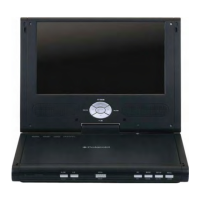
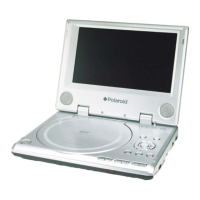
View of Front Panel



 To Next Page
 Loading...