- 21 -
Play Operation
DVD Player Operation
Read all instructions carefully before using your DVD Payer for the first time.
Preparation
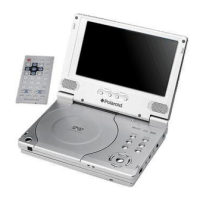
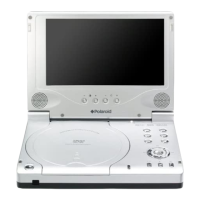
Turn the DVD Player ON by pressing the POWER button on the front panel of the
player. Load disc with the label upward, playback of the disc will begin automatically.
Playback of DVD Disc
When the DVD menu appears press the direction buttons () to select a
feature. Press ENTER to select the feature.
Press play to begin playing the disk.
Pause
Press the Pause button once on remote control to pause playback.
Press the Play button to resume normal playback.
Zoom
Press the ZOOM button on the remote control to cycle through the different zoom
settings.
While in zoom mode use the direction buttons to move around to different positions on
the picture.
Stop
During playback, press the STOP button once on the remote control to stop playback
of a disc. Press the PLAY button, and the DVD Player will resume playback of the disc
from the point where it stopped.
Screen Mode
Press the MODE button on the front panel to shift the screen aspect ratio among 16:9,
4:3 and zoom modes.



 To Next Page
 Loading...